Project-based inboxes give each campaign, client-safe test or internal workflow a recognisable destination. A consistent naming and folder system makes messages easier to find and prevents unrelated test runs from becoming one confusing inbox.
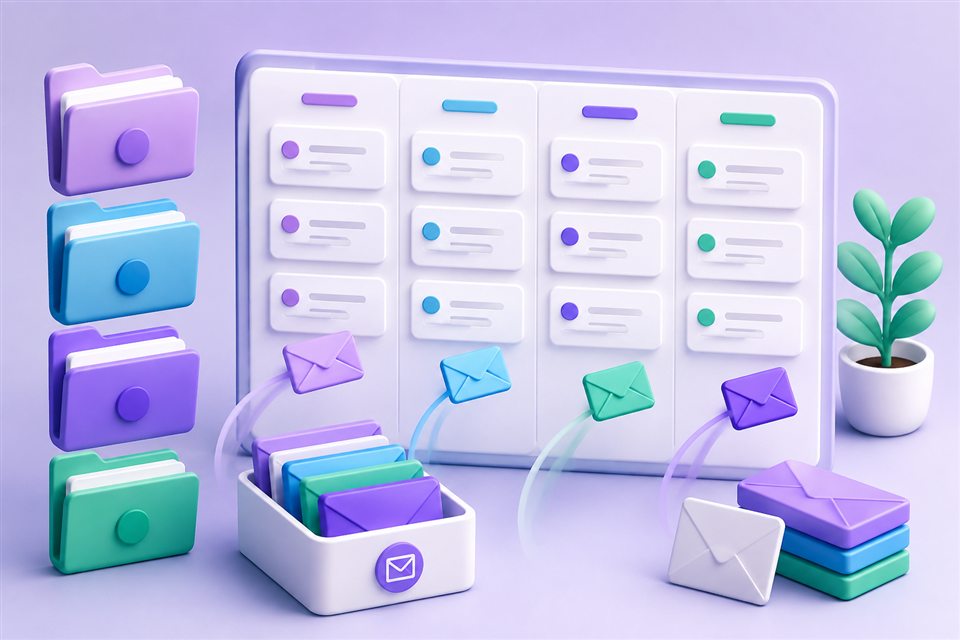
Start with purpose, not volume
Create an address only when it represents a real workflow. Useful categories include a release test, a short research project, a campaign preview or a vendor evaluation. Avoid generating large batches without a retention plan; more addresses do not automatically create better organisation.
Use names that describe the scenario without exposing customer names, internal secrets or ticket contents. A pattern such as project-purpose-stage is easier to recognise than a random label when a message arrives weeks later.
Build a folder structure that stays useful
- Create a small number of stable folders based on projects or status.
- Move active addresses into the relevant folder and archive completed work deliberately.
- Search by address when the list grows instead of creating duplicate inboxes.
- Keep the mailbox purpose and related service in your password-manager note.
- Review old addresses before deleting them to ensure no account still depends on their recovery path.
Folders organise saved mailboxes; they do not change DNS delivery or provide access control by themselves. Sharing should use a revocable link with the narrowest suitable permission, and the owner should deactivate it when collaboration ends.
Use multiple domains thoughtfully
An active receiving domain can provide several address choices, but changing the domain does not change the safety category of the underlying task. The administrator must configure valid MX routing before external messages can arrive. If a domain stops receiving, check public DNS and server configuration rather than repeatedly creating new inboxes.
For critical client communication, contracts or messages that require replies, use a managed business-email system with accountable user access. TempMail Cloud remains a receive-only tool for privacy-conscious sign-ups and testing.
Frequently Asked Questions
Do folders change where email is delivered?
No. Folders organise mailbox shortcuts in your account; delivery still follows the address and its receiving domain.
Can I search for a saved mailbox?
Yes. Use mailbox search to find a known address instead of opening each one individually.
Should I create a mailbox for every message?
No. Create one per meaningful workflow or isolation boundary and reuse it when messages belong to the same task.
Can a project inbox reply to a sender?
No. TempMail Cloud is receive-only. Use a conventional mailbox when a project requires outbound communication.
The practical takeaway
A small naming convention, purposeful folders and regular cleanup provide more value than uncontrolled mailbox volume. Keep sensitive projects on systems designed for their security and compliance needs, and use temporary inboxes only where their receive-only boundary fits.