An email OTP is a short-lived code sent to prove that you can access an inbox. Use a separate address for low-risk sign-ups, keep the code private and enter it only on the service that requested it. TempMail Cloud receives email codes; it does not provide phone numbers or SMS messages.
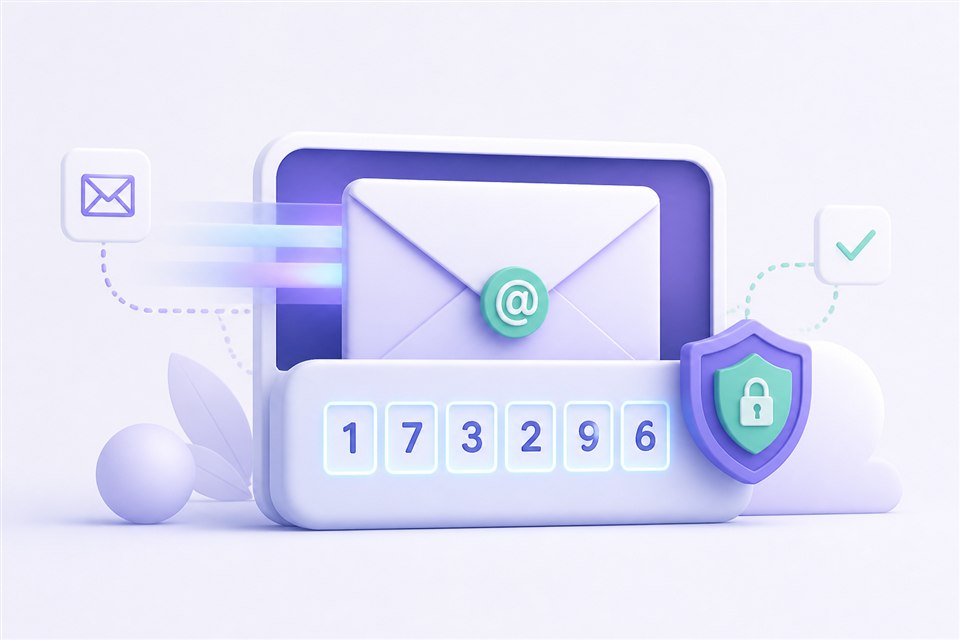
How the verification flow works
Create or select an inbox, copy the complete address and paste it into the sign-up form. Return to the inbox while the sender processes the request. When the message arrives, check the sender and subject before opening it, then use the newest code or the intended verification link.
The sender controls the code, its expiry time and whether an address is accepted. TempMail Cloud only receives and displays the email. If the service requires a phone OTP, an email inbox cannot replace that requirement.
A safe step-by-step checklist
- Confirm that the website is the service you intended to use.
- Request one code and allow time for delivery before using resend.
- Check that the recipient address was copied without spaces or missing characters.
- Treat the OTP like a password and never send it to another person.
- Enter the code only on the original service, not on a page opened from an unexpected message.
- Save mailbox credentials only when the account may send another legitimate message later.
What to do when an email OTP does not arrive
Refresh the inbox once and check that you selected the correct mailbox. Re-read the address entered on the sender's form. If the sender offers a resend control, use it carefully because a newer request may invalidate an earlier code.
Delivery may fail because of sender processing, rate limits, an unsupported disposable domain, a mistyped recipient or mail-routing problems. Repeatedly creating accounts or requesting codes can trigger abuse controls and is not an appropriate troubleshooting method.
Choose the right inbox for the account
Temporary email suits low-risk verification, software testing and sign-ups that do not contain valuable or irreplaceable information. Use a permanent provider with recovery and support for banking, healthcare, government, payroll, purchases, primary social accounts and anything whose loss could cause serious harm.
If a workflow may send another confirmation days later, use a reusable password-protected mailbox and store its unique credentials safely. Remember that TempMail Cloud is receive-only and cannot reply to the sender.
Frequently Asked Questions
Can TempMail Cloud receive SMS verification codes?
No. It receives codes delivered by email and does not provide a phone number or SMS service.
Why did an older OTP stop working?
Many services invalidate an older code after a resend or when its short validity period ends. Use the newest message unless the sender instructs otherwise.
Is it safe to share an OTP with support staff?
No. A legitimate support agent should not need your active verification code. Treat it as a temporary password.
Can every website send to a temporary address?
No. A provider may reject disposable domains or decline a registration under its own rules. That decision should not be bypassed.
The practical takeaway
Request a code only when needed, verify the sender, protect the code and choose a permanent inbox for high-value accounts. For longer workflows, read our password-protected temporary email guide.
Match the failure to the right next step
| What happened | Next step |
|---|---|
| The registration form refuses the email address | Read temporary-email rejection checks; use an address the sender permits |
| The form accepts it but no email appears | Follow email OTP not received and check the exact recipient |
| A message arrives but the code has expired | Request a fresh code safely from the sender's original screen |
| A six-digit code changes inside an authenticator | This is not an email-delivery issue; use TOTP troubleshooting |
Request time matters more than inbox sorting. A delayed older email can arrive after the email from your latest request. Match the code to the request you just made using the message's account and request information; do not assume the top message is always the correct one. Preserve leading zeros when copying a code.
For a low-risk workflow that needs a second email later, save the mailbox credentials before leaving. A received code only proves delivery to an inbox; the sender still decides whether verification succeeds. Create a receiving inbox.