Reusable private inboxes
12 published guides.
 Guides
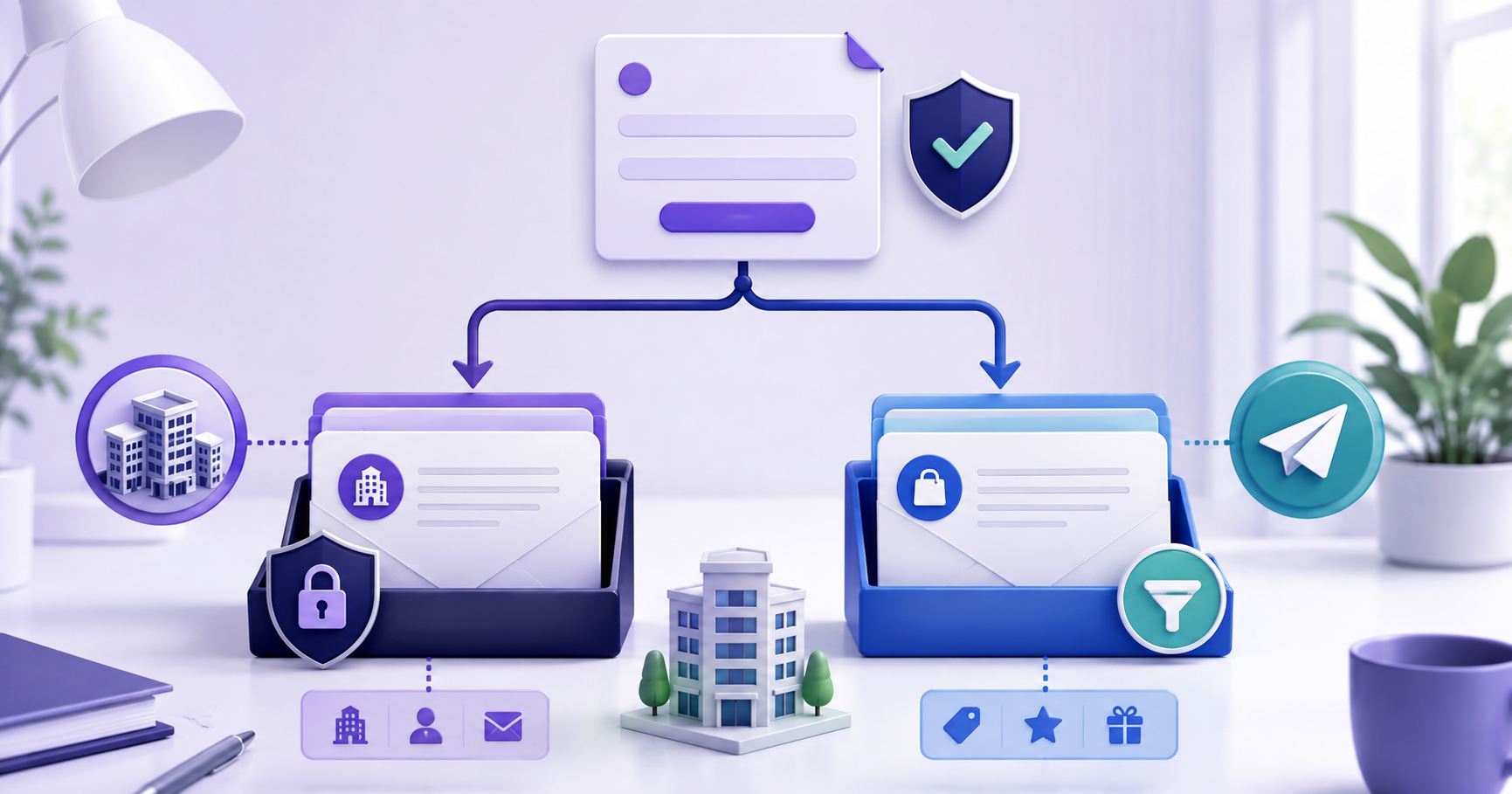
Should You Use a Business Email for Signups?
Use a separate receive-only address for low-risk signups, but keep employee identity, customer communication and critical recovery on a managed business mailbox.
 Comparisons
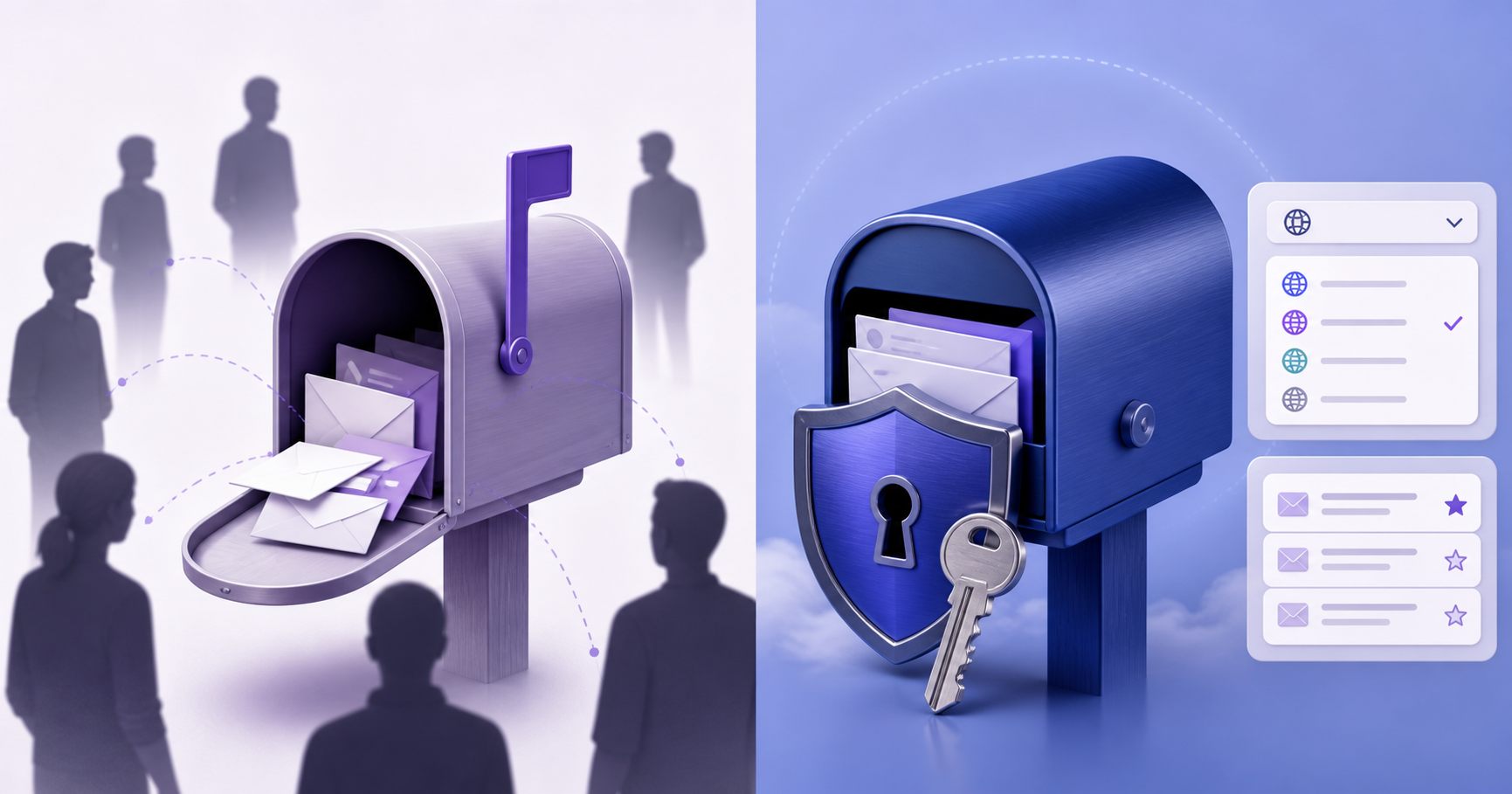
YOPmail vs Reusable Temp Mail: What Changes?
The important comparison is access: publicly accessible disposable inboxes and credential-protected reusable mailboxes fit different risk levels.
 Guides
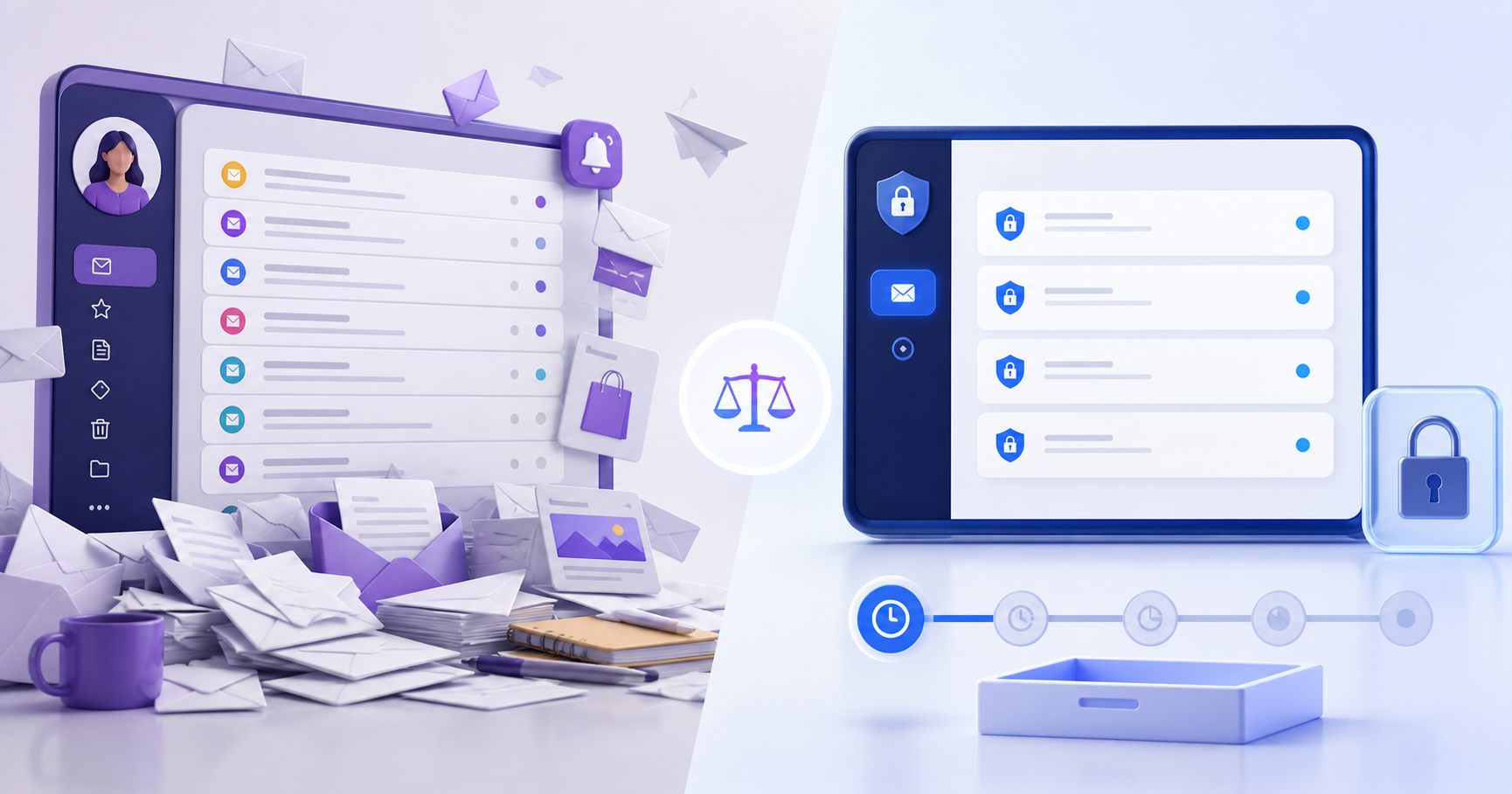
Temporary Email vs Gmail: Which Inbox Fits Your Task?
Use a separate temporary inbox for suitable low-risk messages; use Gmail or another full mailbox when replies, durable recovery and ongoing communication matter.
 Guides
How to Manage Multiple Test Email Accounts
Use one owned inbox per test identity, consistent names, environment labels, credential storage and lifecycle rules so parallel QA remains understandable.
 Guides
How Private Is a Temporary Email Inbox?
A private temporary inbox requires credentials and separates messages from public inbox lists, but users still need realistic expectations about metadata and recovery.
 Guides
Can You Create Temporary Email Without a Phone Number?
Email-only inbox creation does not require an SMS number, but the third-party service you join may still ask for phone verification independently.
 Guides
What Is a Reusable Temporary Email Address?
A reusable temporary email address separates low-risk sign-ups from your primary inbox while preserving password access for later messages.
 Guides
How Can You Receive Email Online Without Registration?
Open TempMail Cloud to get a guest receive-only inbox immediately, copy the address, and receive ordinary email without first creating a registered user account.
 Guides
How Can You Use Multiple Email Addresses in One Account?
Create separate receive-only addresses for different tasks, attach them to one registered account, and switch among recent inboxes without entering every mailbox password.
 Guides
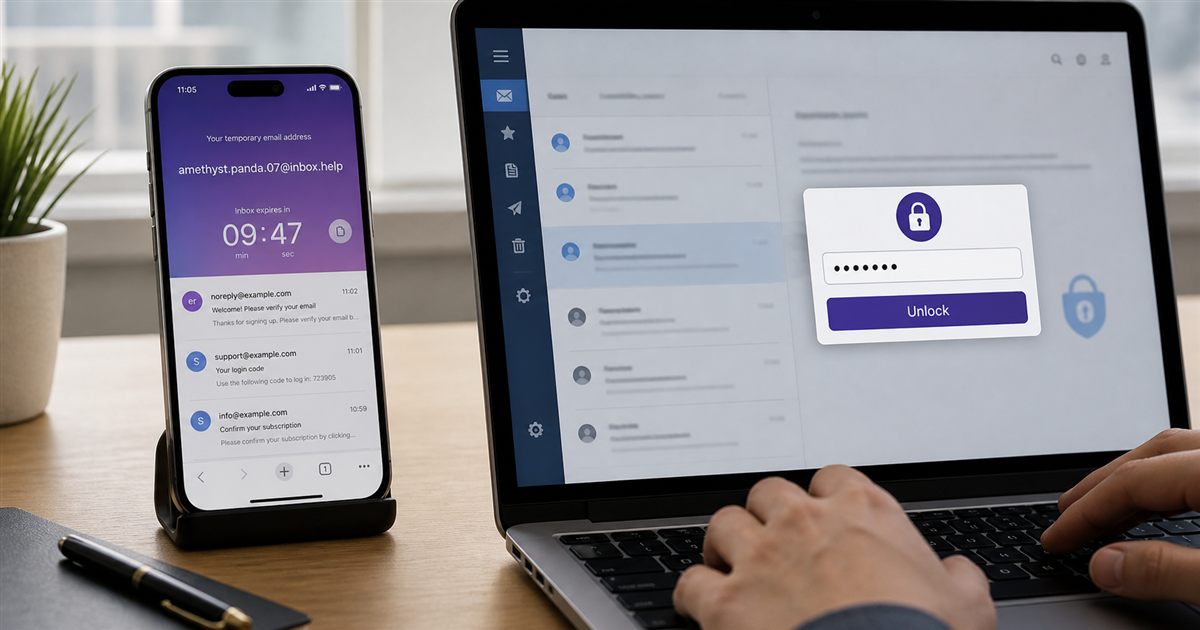
Temp Mail vs 10 Minute Mail: Which Inbox Should You Use?
Use 10 minute mail for a truly one-off message; use password-protected temp mail when you may need the same inbox, credentials, or message history later.
 Guides
Can a Temporary Email Be Permanent and Reused Later?
A reusable temporary inbox can have no automatic expiry and remain accessible with saved credentials, although no provider can honestly guarantee permanent lifetime access.
 Guides
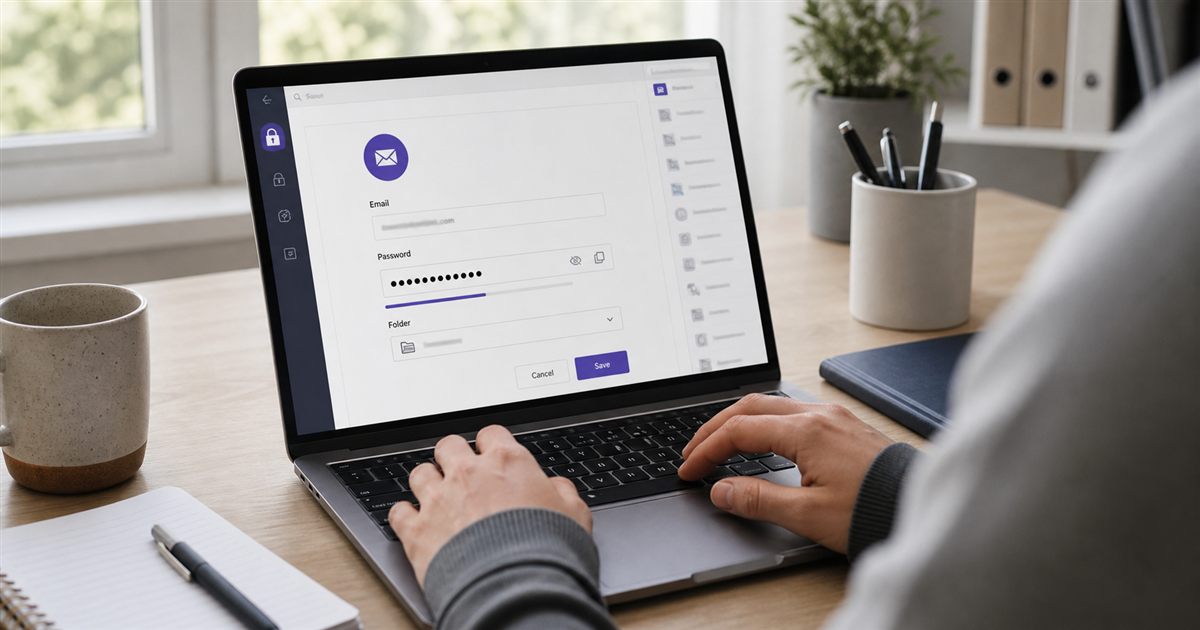
How Do You Create a Temporary Email With a Password?
Create a password-protected, receive-only inbox, save both credentials, and log back in later instead of losing the address when a short timer ends.
Custom-domain receiving
7 published guides.
 Guides
Can You Receive Custom-Domain Email Without Web Hosting?
A domain can receive email without hosting a website, but it still needs DNS plus a mail receiver or provider that stores and exposes incoming messages.
 Guides
Email Subdomain Setup for Receive-Only Inboxes
Delegate a subdomain to receive-only mail so existing root-domain workplace email stays untouched, then align DNS, server acceptance and application domains.
 Guides
What MX Record Do You Need to Receive Email?
An MX record belongs on the receiving domain and points to a mail-server hostname; the server must also resolve, accept SMTP and recognize that domain.
 Guides
How Does Catch-All Email Work on a Custom Domain?
A catch-all accepts many recipient names on a domain, which simplifies testing but increases spam exposure and requires strict routing, limits and monitoring.
 Guides
How Do You Receive Email on a Custom Domain?
Route a domain or subdomain to a receiving service with MX records, verify the route, and create addresses only after the server accepts that domain.
 Guides
Is a Temporary Business Email Good for Long-Term Use?
A long-lived receive-only business-style address is useful for low-risk confirmations and testing, but it cannot replace a full mailbox for customer communication or critical recovery.
 Guides
How Do You Create a Custom Email Address on a Real Domain?
Choose an available local name on an active TempMail Cloud receiving domain, or ask the administrator to connect a domain you control before creating addresses on it.
OTP and verification delivery
7 published guides.
 Guides
Why Is a Verification Email Going to Spam?
Authentication, sender reputation, content, links, volume patterns and recipient engagement can influence placement; diagnose headers instead of asking users to search blindly.
 Guides
How to Resend a Verification Email Safely
Wait for the normal delivery window, confirm the address, send one new message, invalidate or distinguish older tokens and prevent resend abuse.
 Guides
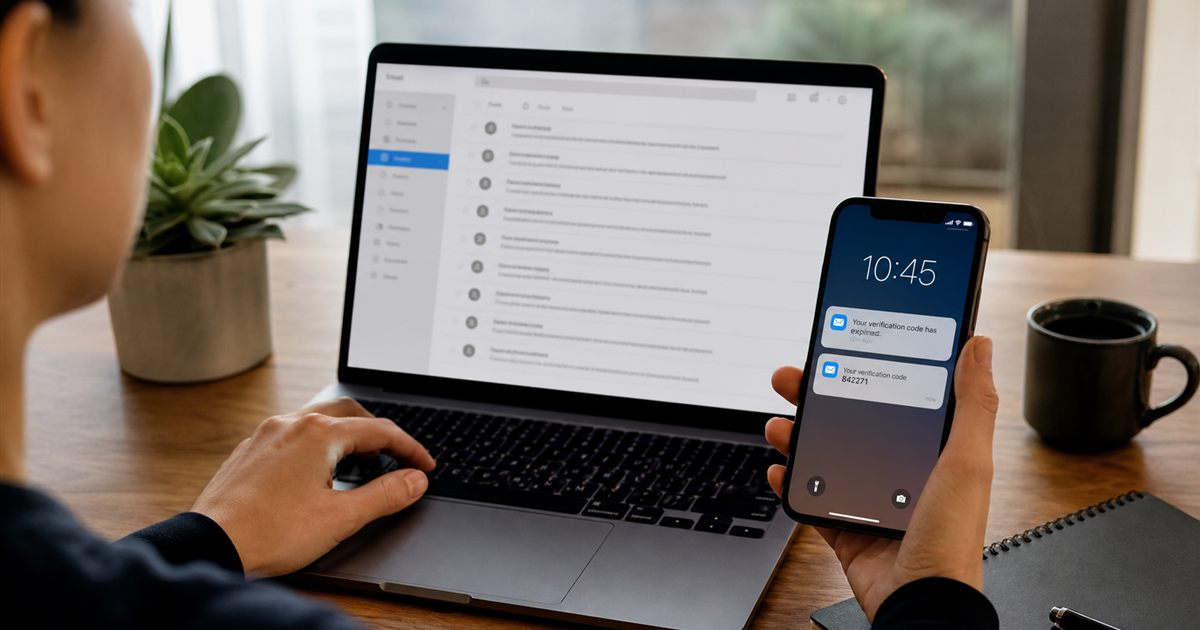
Verification Code Expired? How to Request a New Code
Request a fresh code from the original verification screen, identify the right email, and avoid mixing codes from different attempts.
 Guides
Why Is an OTP Email Delayed and What Should You Do?
OTP delays can occur in the sender queue, DNS, SMTP retries, spam filtering or inbox refresh; diagnose the stage before repeatedly resending codes.
 Guides
Verification Email Not Received? Check These Steps
Confirm the address, wait for normal delivery, inspect every inbox view, request one fresh message, and identify whether the sender or receiver rejected it.
 Guides
Email OTP Not Received? Check the Address, Inbox and Sender
Follow the path from the requested address to the inbox. Separate sender rejection, a hidden message and delivery delay before requesting another code.
 Guides
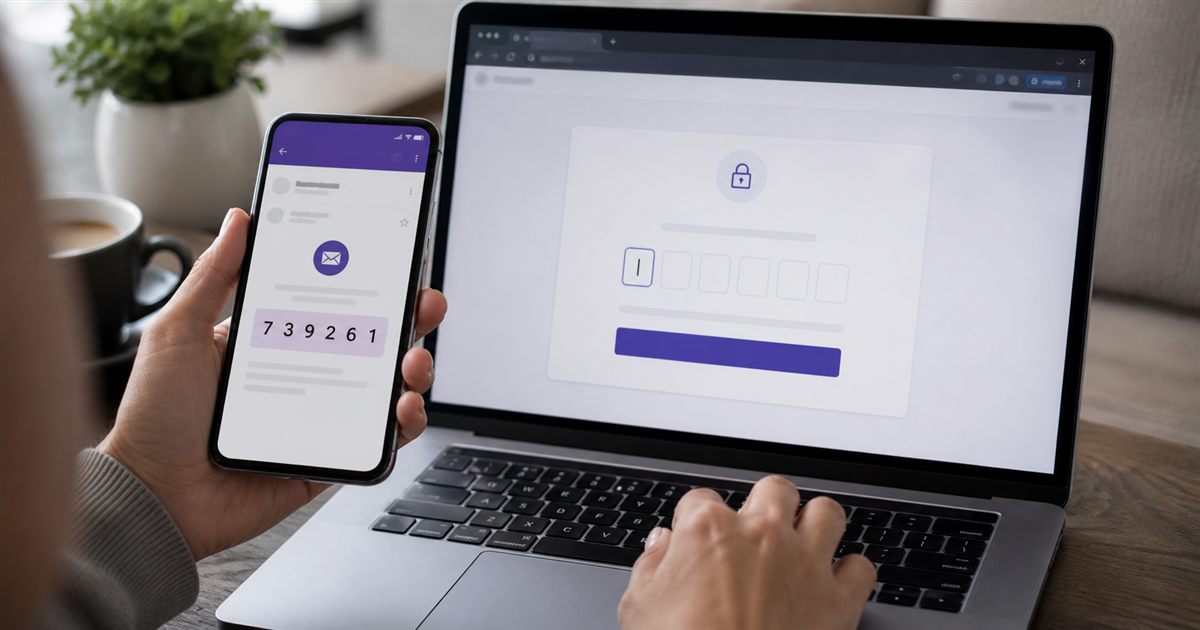
How Do You Use a Temporary Email to Receive an OTP?
Copy a receive-only address into the website’s email field, request an email OTP, return to the inbox, and use the newest code only after verifying the sender and request.
Email QA and development
10 published guides.
 Developers
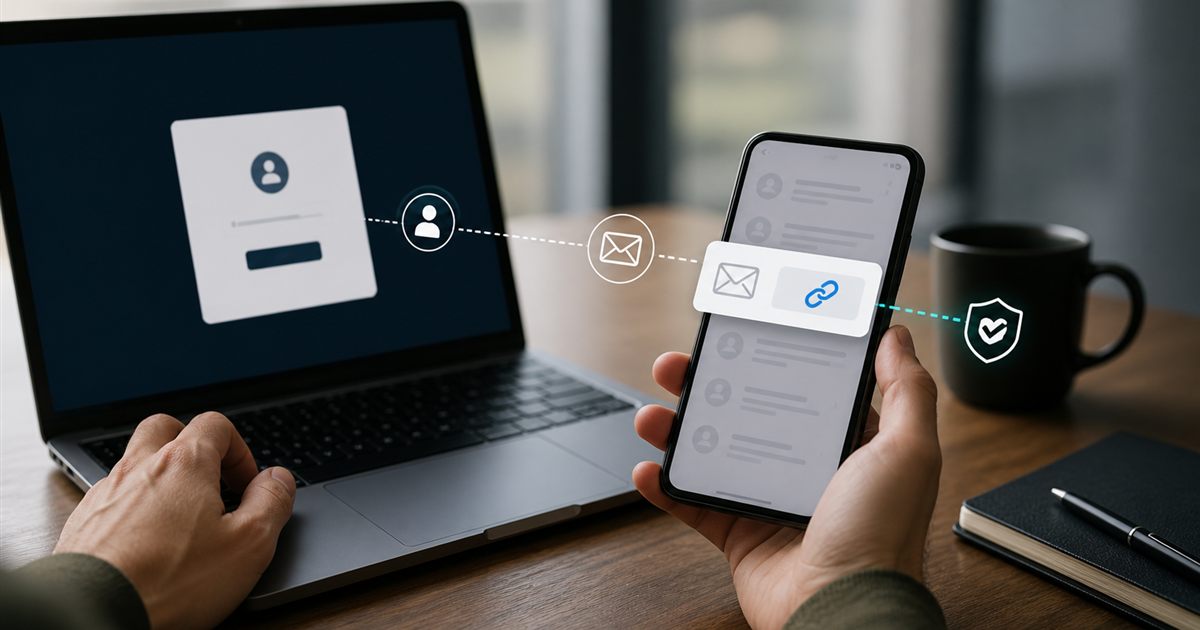
How to Test Magic Link Authentication Safely
Test recipient binding, expiry, one-time use, browser and device behavior, redirects, resend invalidation, enumeration resistance and audit trails.
 Developers
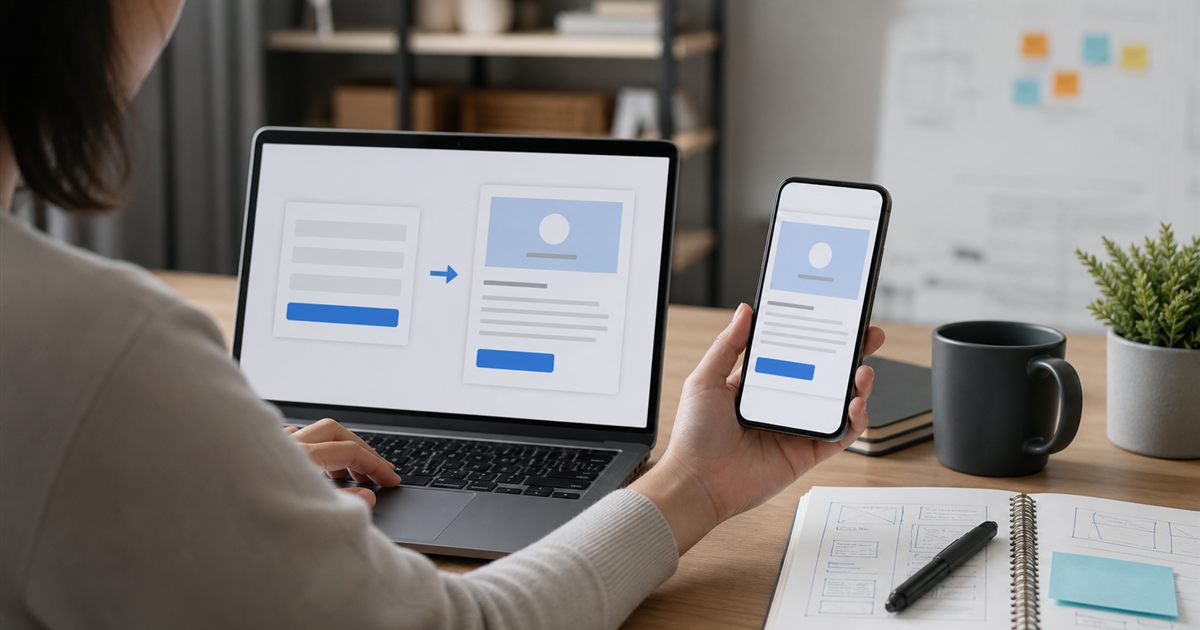
How to Test a Signup Email and Verification Flow
Verify account creation, destination, message content, activation token, expiry, replay, resends and post-verification state using an isolated inbox.
 Developers
How to Test Email Deliverability Without Guessing
Separate generation, provider handoff, SMTP acceptance, placement and user visibility, then measure each stage with controlled recipients and logs.
 Developers
How to Test Transactional Emails End to End
Validate the event, generated payload, provider handoff, SMTP result, delivered content, token behavior and audit trail with isolated inboxes.
 Developers
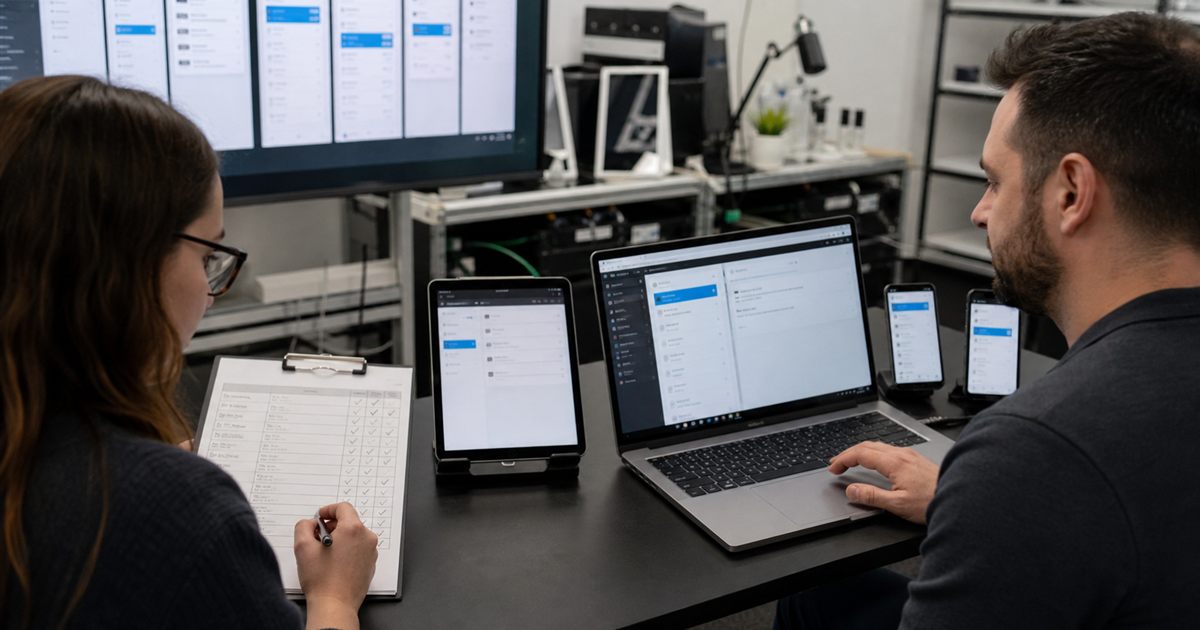
Email Testing Checklist for Transactional Messages
Test generation, delivery, content, links, expiry, rendering, accessibility, abuse controls and recovery instead of stopping at a successful send request.
 Developers
When Should Developers Use Disposable Email for Testing?
Developers should use disposable receive-only inboxes for authorized signup, invitation, OTP, reset, and notification tests that need clean identities—not as undocumented production infrastructure.
 Developers
How Do You Test HTML Email Rendering and Links?
Inspect content and workflow in a safe receiving inbox, then test responsive layout and client-specific behavior in the actual email clients your audience uses.
 Developers
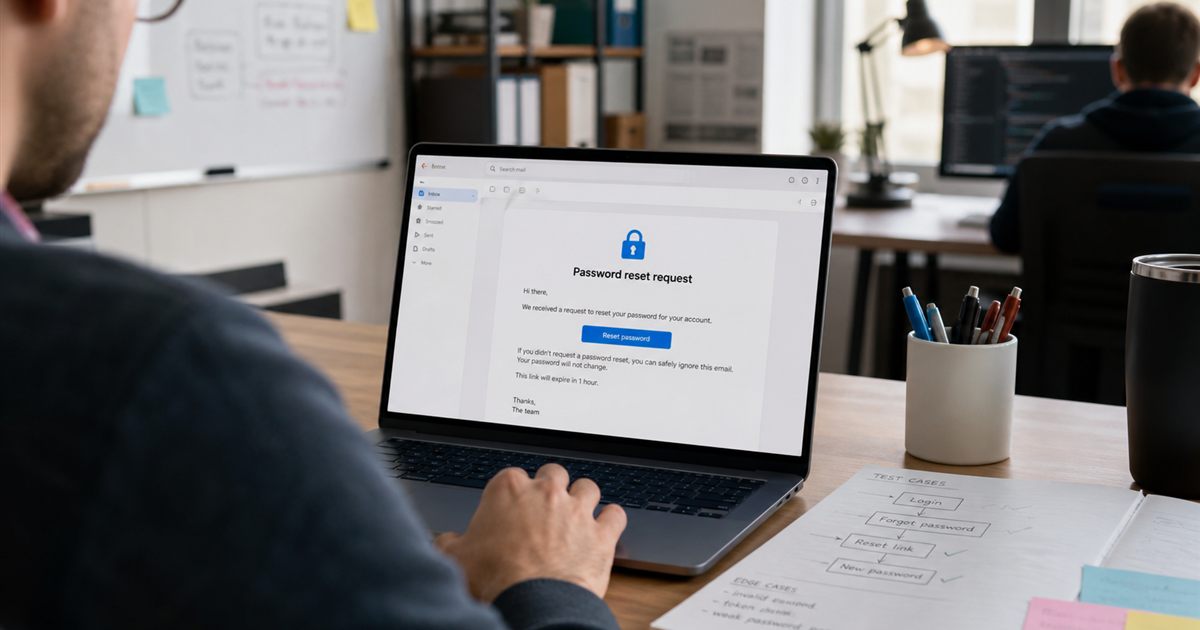
How Do You Test Password Reset Emails Safely?
Use a controlled test account and inbox, verify the reset message and token, then test replay, expiry, enumeration, rate limits, session invalidation, and address changes.
 Developers
How Do You Test an Email Verification Flow End to End?
Test signup through activation with a fresh inbox, then verify delivery, token handling, expiry, repeat use, redirects, accessibility, and safe failure responses.
 Developers
How Should QA Teams Use Temporary Email for Testing?
Give each authorized test case a clean receive-only inbox, verify the complete message and link, and retain stable addresses only when a regression cycle needs continuity.
Inbox privacy and safety
8 published guides.
 Security
How to Open Email Attachments Safely
Verify context and sender independently, inspect file type, scan and isolate the file, and avoid enabling active content or entering credentials from an attachment.
 Security
Email Tracking Pixels Explained: Privacy and Safety
A remote pixel can notify a sender when an email client loads its image URL, revealing timing and network-related metadata even without a visible picture.
 Security
How to Spot a Fake Verification Email
Treat unexpected verification mail as untrusted, inspect the complete sender and real link destination, and visit the service independently instead of clicking.
 Security
Temporary Email Privacy Myths: What It Does Not Hide
Temporary email can separate an address from everyday identity, but it does not erase network data, sender records, browser tracking or account activity.
 Security
Email Alias vs Temporary Email: Which Should You Use?
An alias forwards to an existing mailbox, while a temporary inbox receives separately; choose based on reply needs, isolation, recovery and how long the identity must last.
 Security
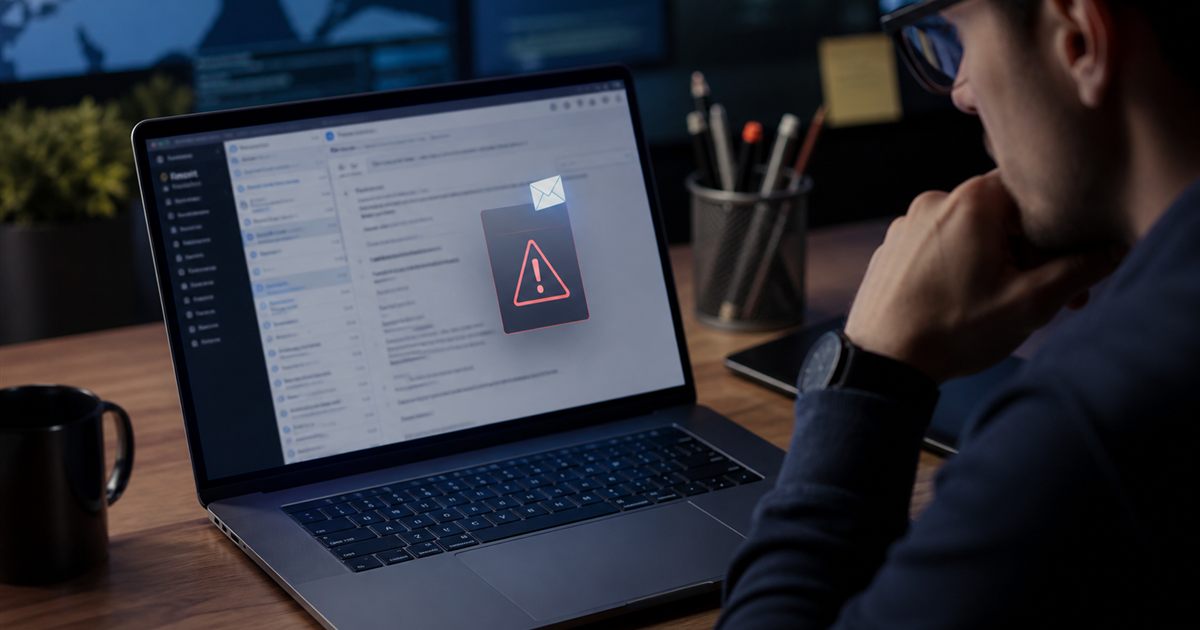
How Do You Spot Phishing in a Temporary Email Inbox?
Match each message to an action you initiated, inspect the full sender and destination, avoid urgent requests and attachments, and never share an OTP or mailbox password.
 Security
When Should You Not Use Temporary Email?
Do not use temporary email for money, health, government, work identity, confidential records, primary recovery, or any account whose loss would cause serious harm.
 Privacy
How Do You Protect Your Primary Inbox From Spam?
Use separate addresses by trust level, keep your primary email for critical recovery, and route low-risk sign-ups to distinct receive-only inboxes you can abandon if spam begins.
TOTP and two-factor authentication
8 published guides.
 Security
Passkeys vs TOTP: Which Is Safer for Your Account?
Passkeys provide origin-bound phishing resistance, while TOTP is widely compatible and offline but can be phished and depends on protecting a shared secret.
 Security
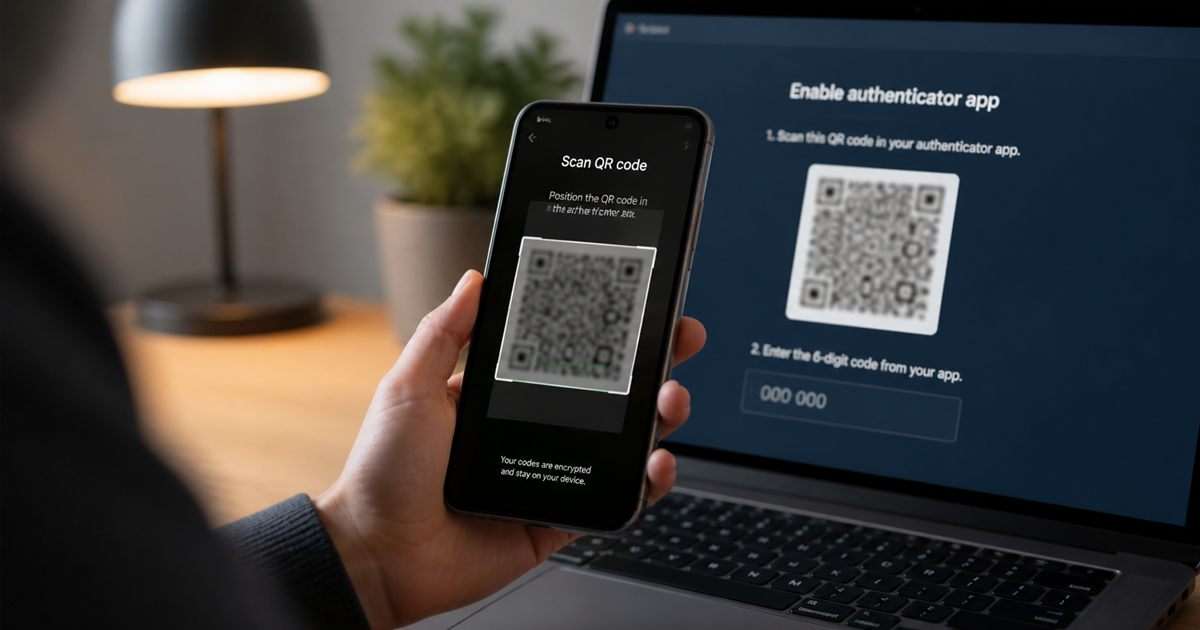
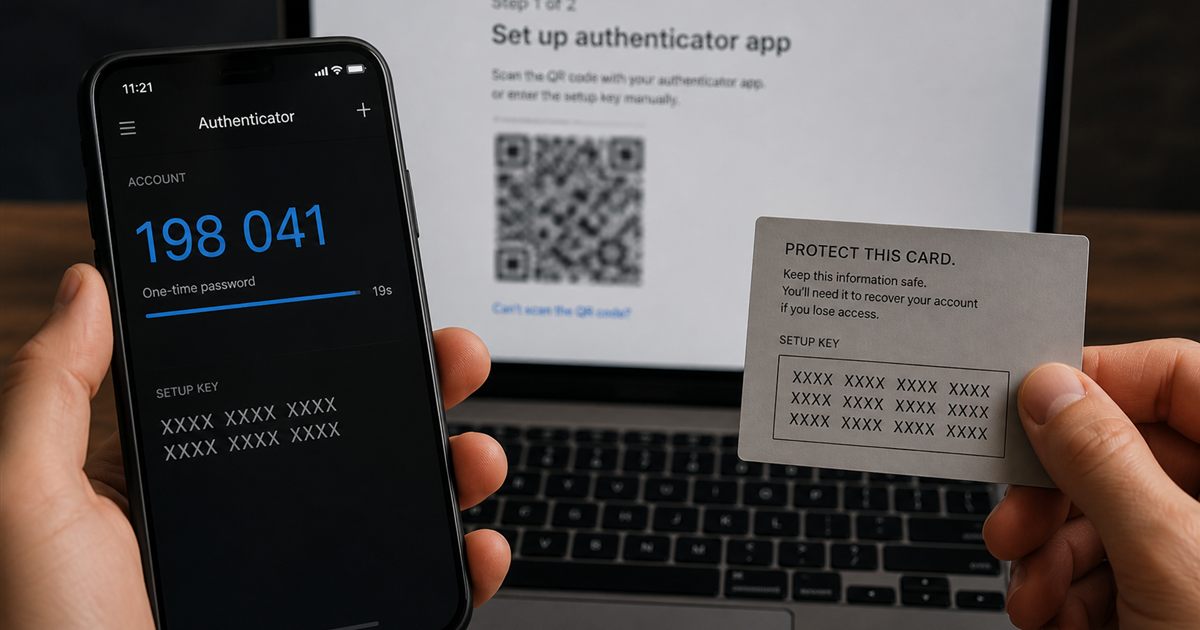
TOTP QR Code Security: Treat It Like a Password
A TOTP setup QR usually contains the reusable secret, so screenshots, recordings and shared enrollment screens can clone the authenticator.
 Security
Can an Authenticator App Work Without a Phone Number?
TOTP authenticators calculate codes from a shared secret and time, so they do not need SMS or a phone number after enrollment.
 Security
TOTP Code Not Working? Check Time Sync and Setup
Check the device clock, account entry and original setup before retrying. A new code cannot repair the wrong secret or recover a lost authenticator.
 Security
TOTP Secret Key Explained: What Must Stay Private?
The TOTP secret is shared seed material used with time to generate codes; anyone who copies it can generate the same codes until the setup is replaced.
 Security
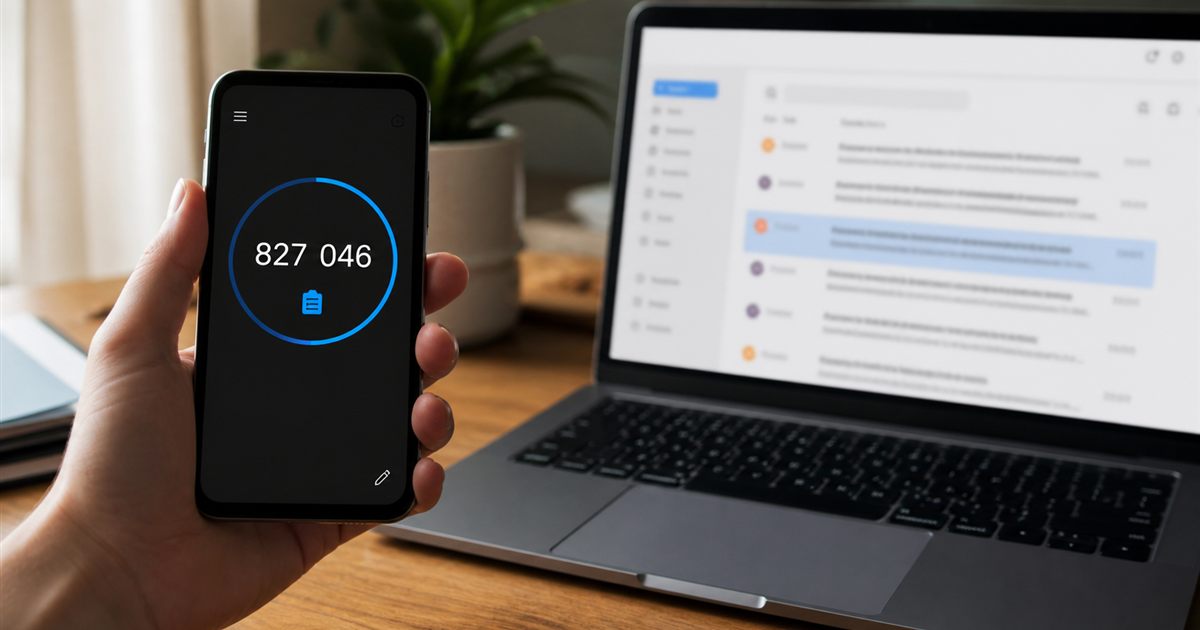
TOTP vs Email OTP: What Is the Difference?
TOTP is calculated locally from a shared secret and time; email OTP is generated by a service and delivered through an inbox. Their delays, risks, and recovery paths differ.
 Security
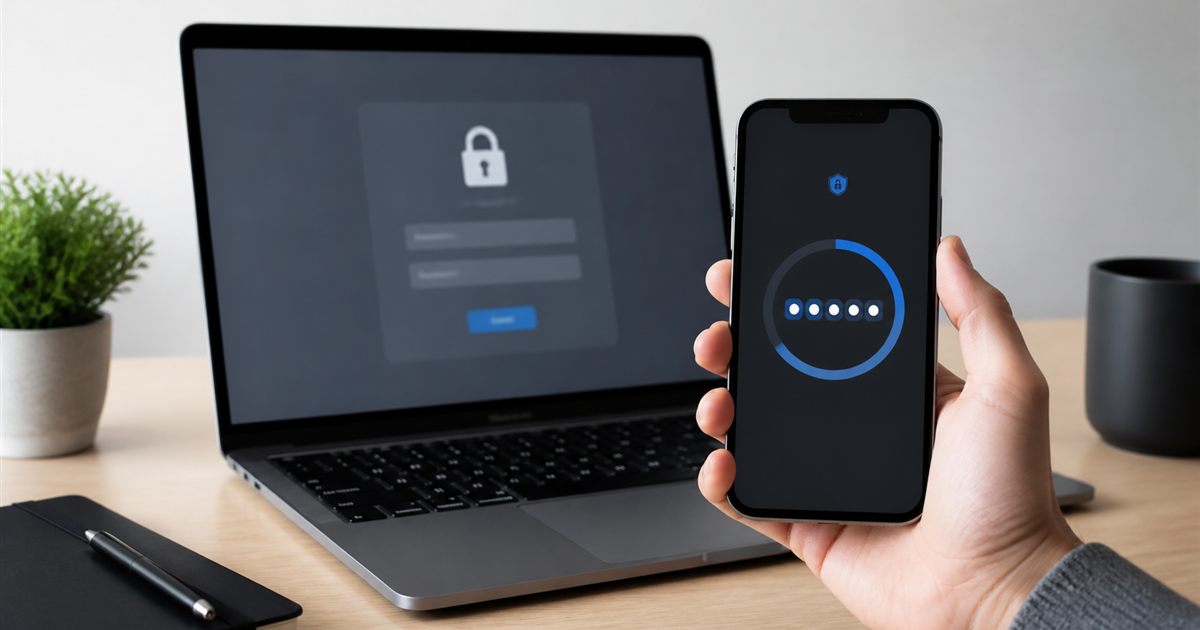
Is an Online 2FA Code Generator Safe to Use?
A browser-local generator can be suitable for authorized testing, but a TOTP secret can generate future codes and should not be entered into an untrusted or shared website.
 Security
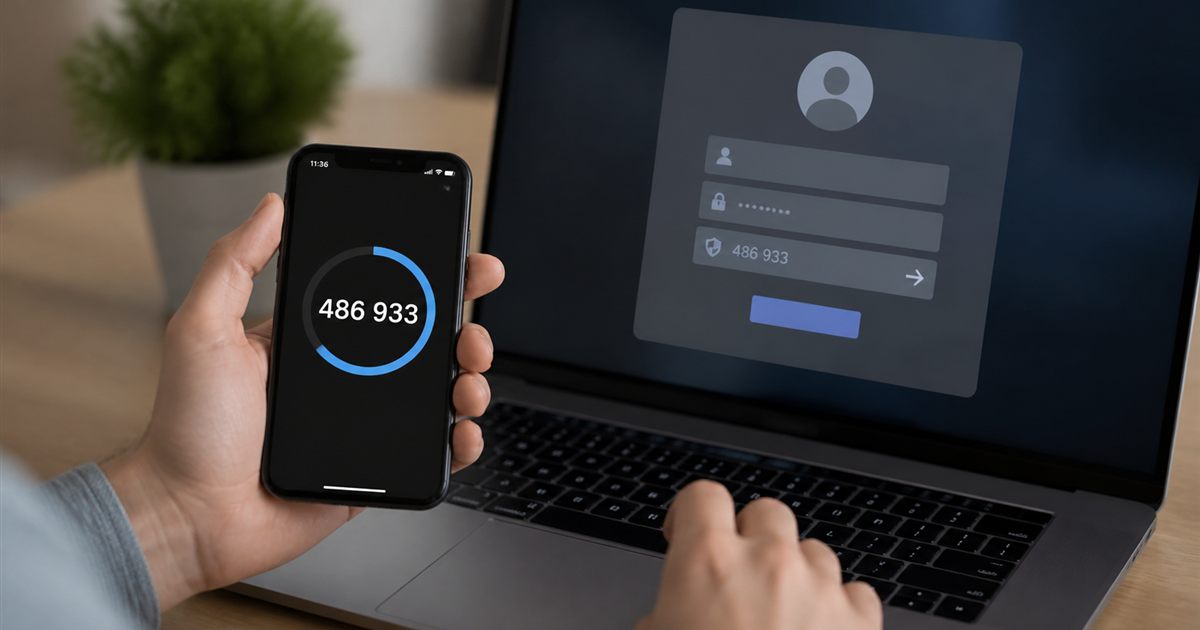
What Is a TOTP Code and How Does It Work?
A TOTP is a short one-time code calculated from a shared secret and current time, commonly changing every 30 seconds as a second login factor.
More email guides
4 published guides.
Temporary Email for AI Developer Accounts: Privacy Limits
Separating an email address does not change an AI provider’s prompt retention, training controls or account-recovery requirements.
Temporary Email for Facebook: Acceptance and Recovery Limits
Facebook controls address acceptance and account recovery. Understand the risks before attaching a temporary inbox to a social account.
Tempail, Temp-mail.io and TempMail Cloud: Choose by Your Workflow
Compare short-term use, return access and developer integration using dated public information and clearly stated test limits.
Fake Email, Disposable Email or Burner Email: What Is the Difference?
A fabricated address cannot reliably receive a message. A working disposable inbox can, but it has different recovery and sending limits from permanent email.