Written and reviewed by the team operating TempMail Cloud. Product claims are checked against our live service and our editorial standards.
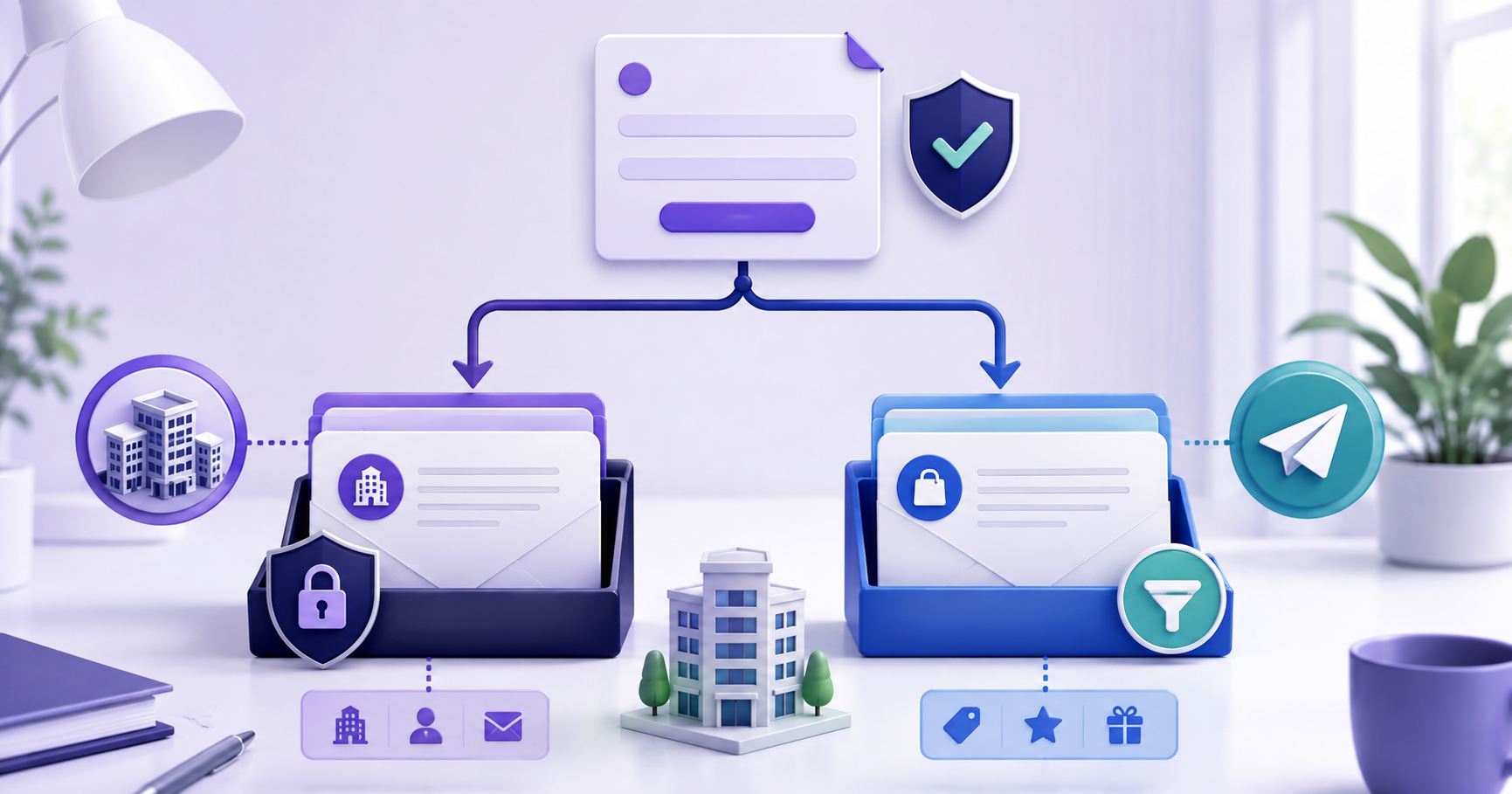
Do not use an employee’s primary business mailbox for every trial, download, forum, and vendor signup. A separate receive-only address can isolate low-risk confirmations and marketing. Critical vendors, customer communication, contracts, payroll, and account recovery should remain on a managed business mailbox with support and strong authentication.
Where a reusable inbox helps—and where it does not
A company address reveals the organization and often an employee’s name. Reusing it across low-trust sites expands the places where that identity can be profiled, breached, sold, or targeted by phishing.
Separation also improves offboarding. A signup tied to a personal employee mailbox can become inaccessible when the employee leaves, while a purpose-labelled company-controlled identity can be reassigned or retired deliberately.
A practical way to use it
Classify signups by business impact. Use managed role mailboxes or aliases for important vendor relationships, durable receive-only test addresses for low-risk evaluation, and personal employee mail only where individual identity is genuinely required.
Record the owner, purpose, renewal date, billing relationship, and recovery route. Address choice should be part of vendor inventory rather than an improvised decision on every form.
Set it up without losing access
1. Classify the service by financial, legal, operational and recovery risk.
Complete this part before you choose employee, role, alias, or receive-only test address intentionally. For business email for signups, changing several variables together makes the result harder to interpret and repeat.
2. Choose employee, role, alias, or receive-only test address intentionally.
Complete this part before you store credentials in the company password manager. For business email for signups, changing several variables together makes the result harder to interpret and repeat.
3. Store credentials in the company password manager.
Complete this part before you review the first message and expected sender domain. For business email for signups, changing several variables together makes the result harder to interpret and repeat.
4. Review the first message and expected sender domain.
Complete this part before you reassign or delete the identity when the relationship ends. For business email for signups, changing several variables together makes the result harder to interpret and repeat.
5. Reassign or delete the identity when the relationship ends.
Complete this part before you classify the service by financial, legal, operational and recovery risk. For business email for signups, changing several variables together makes the result harder to interpret and repeat.
Check access before you depend on it
Confirm whether the service needs replies, procurement notices, invoices, or human support. A receive-only inbox is unsuitable when the company must communicate back.
Review who can access the mailbox and how that access is audited. Shared credentials should not replace individual accountable access for high-value systems.
Small choices that create future lockouts
Avoid: Using one employee mailbox for all vendor trials
A better response is to classify the service by financial, legal, operational and recovery risk, then confirm whether the service needs replies, procurement notices, invoices, or human support. That keeps the business email for signups decision tied to an observable result instead of an assumption.
Avoid: Calling a receive-only address a complete business mailbox
A better response is to choose employee, role, alias, or receive-only test address intentionally, then review who can access the mailbox and how that access is audited. That keeps the business email for signups decision tied to an observable result instead of an assumption.
Avoid: Keeping billing or legal recovery in a disposable identity
A better response is to store credentials in the company password manager, then confirm whether the service needs replies, procurement notices, invoices, or human support. That keeps the business email for signups decision tied to an observable result instead of an assumption.
Avoid: Failing to transfer access during offboarding
A better response is to review the first message and expected sender domain, then review who can access the mailbox and how that access is audited. That keeps the business email for signups decision tied to an observable result instead of an assumption.
Privacy and recovery limits
Use low-risk addresses according to vendor rules; do not create repeated trials or misrepresent company identity. Privacy separation is not permission for free-tier abuse.
Confidential, regulated, contractual, and customer messages belong on a managed system with the organization’s required retention, security, and legal controls.
Using this workflow in TempMail Cloud
TempMail Cloud offers durable, password-protected receiving identities on real domains and lets an account group multiple mailboxes. It is useful for QA, demonstrations, and low-risk signup separation.
It cannot send or reply and should not replace a full workplace provider. The site describes this limit consistently so users can choose the right tool.
Frequently Asked Questions
What is business email for signups?
Use a separate receive-only address for low-risk signups, but keep employee identity, customer communication and critical recovery on a managed business mailbox.
Can I return to an inbox used for business email for signups?
Yes, if the mailbox remains active and you saved the correct address and password. Account-owned mailboxes are easier to organise and revisit than an unsaved guest session.
Is business email for signups safe for important accounts?
Use it only where receive-only access is suitable. Keep banking, identity, healthcare, payroll and irreplaceable account recovery on a permanent mailbox you fully control.
Does a reusable temporary email address expire automatically?
TempMail Cloud does not apply a short countdown to active mailboxes, but service availability still depends on the mailbox, receiving domain, credentials and acceptable use.
What should I save before using business email for signups?
Save the complete email address and its mailbox password in a password manager. Test access before relying on the address for a later verification message.
Continue with the reusable private inboxes guides
- For the broader workflow, read Temporary email with a password when working through business email for signups.
- For a closely related decision, see Permanent temporary email explained when working through business email for signups.
- Keep this companion guide nearby: Manage multiple addresses in one account when working through business email for signups.
For business email for signups, remember that TempMail Cloud is receive-only. Check the safety guidance before using an address for an important account, and see the editorial standards for how this guide is maintained.
Primary references used for this guide
- NIST digital identity guidance — consulted for the business email for signups recommendations above.