Written and reviewed by the team operating TempMail Cloud. Product claims are checked against our live service and our editorial standards.
A temporary email with a password is a receive-only inbox that can be reopened with the same address and password. On TempMail Cloud, create or regenerate an address, save both credentials, and use Login when you return. The mailbox has no automatic expiry, but it is not a full send-and-reply business mailbox.
Why add a password to temporary email?
Most timer-based inboxes are built for a single verification message. That is convenient until a website sends a second confirmation, a delayed receipt, or a password-reset link after the temporary window has closed. Password protection changes the access model: the inbox is tied to credentials rather than only to a tab that happens to be open.
A password does not make an address anonymous, guaranteed, or suitable for confidential records. It does make casual access harder and gives the legitimate user a practical way to return from another browser. TempMail Cloud stores a password hash rather than displaying the original secret to the administrator, so the user should save the password immediately in a trusted password manager.
Create the inbox step by step
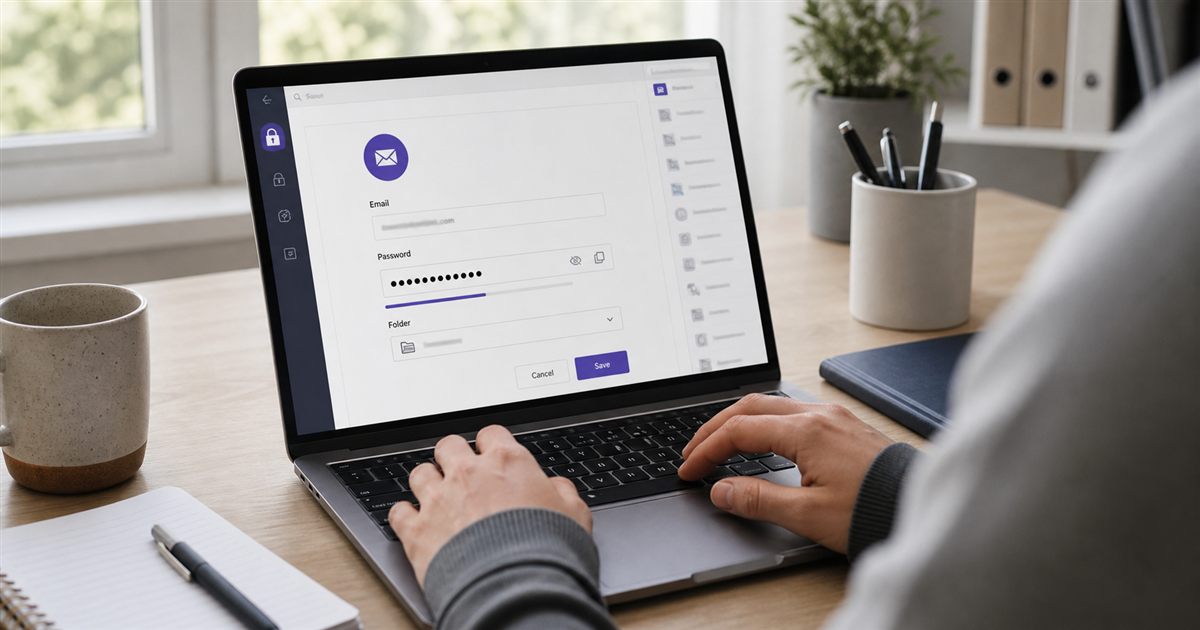
Open the TempMail Cloud homepage and use the automatically generated inbox, select Regenerate Email for another random identity, or choose Create a custom address to select an available local name and receiving domain. A generated mailbox includes a password; a custom mailbox asks you to choose one that meets the displayed strength rules.
- Copy the complete email address, including its domain
- Copy or securely record the mailbox password
- Use the address only where email delivery is expected
- Return to the inbox and wait for the message
- Use the profile menu to switch while the saved session is valid
- Use Login with the saved credentials on a new device
Creating a registered account is optional. It groups owned inboxes under an account session, but account and mailbox passwords remain separate. Signup initially uses the same chosen password for the registration mailbox; changing that mailbox password later does not change the account password. The unified Login form treats a registered account address as an account login. See inbox access and recovery for the right credential to use.
How long does the address last?
TempMail Cloud currently applies no automatic mailbox expiry. The mailbox and its stored messages remain available until the owner or an administrator deletes them, or an operational, legal, security, or domain event makes continued service impossible. This is more accurate than saying an inbox is guaranteed for life. Infrastructure changes, blocked domains, lost credentials, and service availability still matter.
The practical difference from 10-minute mail is control. A short-lived inbox deliberately disappears after a countdown. A no-auto-expiry inbox is designed to remain usable for later email, provided that you retain access and the receiving domain stays active. Read the full comparison in temp mail vs 10 minute mail.
Where a reusable temporary inbox helps
Good uses include product trials that may send a later confirmation, QA accounts used across a regression cycle, newsletter separation, low-risk communities, software demos, and email OTP workflows where the sender may retry. A durable address also helps a small team distinguish test identities without filling personal inboxes.
Do not use it as the only recovery address for banking, healthcare, government, payroll, legal records, cryptocurrency, primary social accounts, or anything you cannot afford to lose. Those accounts need a permanent provider you control, strong recovery options, and preferably phishing-resistant authentication. Password protection reduces one risk; it does not remove delivery or recovery risk.
How to return without exposing the password
On the same browser, the profile menu can switch among recently used mailboxes while their saved sessions remain valid. That switch should not ask for a password every time because the browser already holds an authorized session reference. On a different device, or after the session is cleared or expires, use the mailbox Login page and enter the address and password.
Never paste mailbox credentials into the website that is sending the email. That website only needs the email address. Store the password separately, avoid screenshots that reveal it, and do not reuse a password from your main email or other important account. If a message contains an OTP, treat the code as sensitive until it expires.
What the service can and cannot do
The inbox can receive ordinary text and HTML email, show sender and subject information, highlight likely verification codes, search stored messages, and let an authorized user star or delete messages. Rich HTML is displayed inside a restricted viewer so the message cannot freely run scripts in the main application.
It cannot send, reply, provide outbound SMTP, receive SMS, guarantee that every third party accepts the domain, or guarantee delivery from every sender. A sender can reject disposable domains or delay a message before it reaches our server. Accurate expectations are part of using a reusable temporary email safely.