Written and reviewed by the team operating TempMail Cloud. Product claims are checked against our live service and our editorial standards.
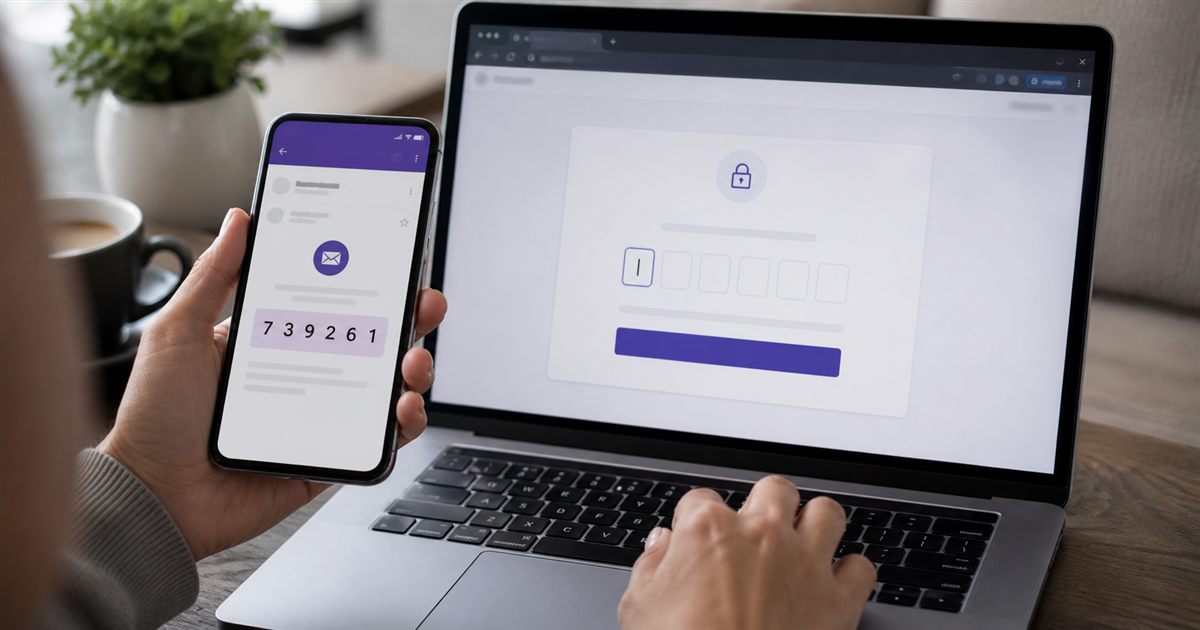
Create or open a TempMail Cloud inbox, copy its address into the third-party email field, and request an email OTP. Return to the inbox and use the newest code that matches your action. TempMail Cloud receives email codes, not SMS, and delivery is never guaranteed by the recipient service.
Email OTP and SMS OTP are different
An email OTP is delivered as an email message to an inbox. An SMS OTP is sent through a mobile network to a telephone number. A temporary email service cannot receive an SMS merely because both messages contain a numeric code. Confirm which channel the website offers before waiting.
Some services use the phrase verification code without naming the channel. Check the masked destination shown on screen. If it resembles an email address, return to the email inbox. If it ends with phone digits, use the registered phone. TempMail Cloud does not create virtual phone numbers.
Step-by-step OTP receiving workflow
- Generate a random inbox or create a custom address
- Copy the full address without extra spaces
- Enter it into the website that is requesting email verification
- Complete any consent or CAPTCHA on that website
- Select its Send code or Verify email action once
- Return to TempMail Cloud and refresh if needed
- Match the expected sender's message to the latest intended request; a delayed older email may arrive last
- Copy the code and enter it only on the site you initiated
If several codes arrive, the newest one is usually the valid one because many systems invalidate earlier tokens. Do not repeatedly request codes too quickly; the sender may rate-limit or delay further messages.
How TempMail Cloud helps find a code
The inbox records sender, subject, preview, text, and safely rendered HTML. When a message includes a likely four-to-eight-digit verification value near words such as OTP, PIN, login, or verification, the interface can highlight it for copying. Detection is a convenience feature, not proof that the message is legitimate.
Always compare the sender, the action you requested, and the service name in the message. A random code in an unsolicited email may mean someone typed your address by mistake or is attempting a login. Never send that code to a person who contacts you.
Why a durable inbox can be better than ten-minute mail
A ten-minute inbox is enough when the code arrives immediately and the account will never matter again. A password-protected no-auto-expiry address is more practical when the sender may ask for another code later, when a QA run spans several days, or when a service sends a delayed confirmation.
Durability also creates account-recovery risk. If the third-party account becomes valuable, update it to a permanent address that you fully control. A reusable temporary inbox is safer than an expired one for follow-up delivery, but it is not the best recovery foundation for sensitive accounts.
What to do when the OTP does not arrive
Check for a typo, confirm the website promised email rather than SMS, wait a few minutes, and request only one careful resend. Refresh the inbox and search by the expected sender or service name. If the website rejects temporary domains, try an allowed address that complies with its terms rather than attempting to bypass its policy.
Delivery can fail before the message reaches TempMail Cloud. The sender may suppress the recipient, cache old DNS, reject the domain, or queue the mail. Our email OTP troubleshooting guide separates sender-side, DNS, spam, and address problems.
Use email OTP responsibly
Use temporary email for authorized testing, low-risk verification, and privacy separation. Do not use it for fraud, mass registration, account takeover, benefit or trial evasion, impersonation, or bypassing a platform’s rules. A verification code proves control of an inbox at one moment; it does not prove identity or permission.
For important accounts, enable stronger authentication after signup. TempMail Cloud also provides a browser-local TOTP generator for legitimate setup and testing, but TOTP secrets should be handled like passwords and kept out of screenshots, support tickets, and shared chats.