Written and reviewed by the team operating TempMail Cloud. Product claims are checked against our live service and our editorial standards.
Yes—a TOTP authenticator can generate codes without a phone number, SIM card, or network connection after enrollment. It needs the shared secret and reasonably accurate time. The account service may still require a phone or another recovery method under its own policy.
Authentication strength depends on the whole recovery path
TOTP is often called “phone authentication,” but the cryptographic process is not tied to a telephone network. A phone is simply a common device for storing the secret and showing the code. Desktop applications, hardware tokens, and secure password managers can also implement the standard.
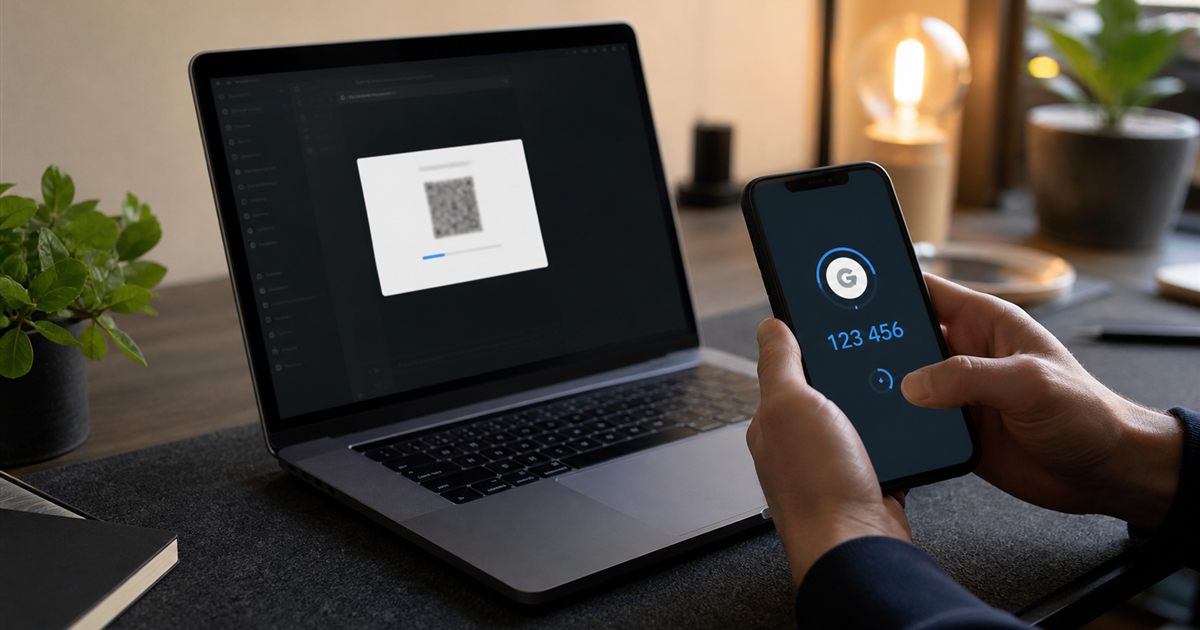
Enrollment usually requires an authenticated session with the account service. The user scans a QR code or enters a secret, confirms one code, and receives recovery options. None of this should be confused with SMS delivery.
Choose and operate the factor deliberately
Choose a reputable authenticator that fits your backup and device model. Enroll from the official account security page, confirm the issuer and account label, and save recovery codes away from the authenticator.
If avoiding a phone number is important, check the account service’s recovery policy before relying on it. The authenticator may not need a number even when the account provider asks for one separately.
Set up and verify the authentication flow
1. Open the official two-factor settings after signing in.
Complete this part before you scan or enter the secret on a trusted authenticator. For authenticator app without phone number, changing several variables together makes the result harder to interpret and repeat.
2. Scan or enter the secret on a trusted authenticator.
Complete this part before you confirm one current code. For authenticator app without phone number, changing several variables together makes the result harder to interpret and repeat.
3. Confirm one current code.
Complete this part before you store recovery codes in a separate secure location. For authenticator app without phone number, changing several variables together makes the result harder to interpret and repeat.
4. Store recovery codes in a separate secure location.
Complete this part before you test recovery before removing any previous factor. For authenticator app without phone number, changing several variables together makes the result harder to interpret and repeat.
5. Test recovery before removing any previous factor.
Complete this part before you open the official two-factor settings after signing in. For authenticator app without phone number, changing several variables together makes the result harder to interpret and repeat.
Test enrollment, time and recovery
Turn on automatic time and verify codes change at the expected interval. Confirm the authenticator backup is encrypted and that recovery cannot be taken over through a weak email or phone path.
Review what happens if the device is lost. A second enrolled authenticator, hardware key, or protected recovery code can prevent permanent lockout.
Authentication habits that weaken the factor
Avoid: Assuming every account permits phone-free signup
A better response is to open the official two-factor settings after signing in, then turn on automatic time and verify codes change at the expected interval. That keeps the authenticator app without phone number decision tied to an observable result instead of an assumption.
Avoid: Keeping recovery codes only on the same device
A better response is to scan or enter the secret on a trusted authenticator, then review what happens if the device is lost. That keeps the authenticator app without phone number decision tied to an observable result instead of an assumption.
Avoid: Photographing the enrollment QR
A better response is to confirm one current code, then turn on automatic time and verify codes change at the expected interval. That keeps the authenticator app without phone number decision tied to an observable result instead of an assumption.
Avoid: Removing an old factor before testing the new one
A better response is to store recovery codes in a separate secure location, then review what happens if the device is lost. That keeps the authenticator app without phone number decision tied to an observable result instead of an assumption.
Secrets, devices and account recovery
TOTP is stronger than a password alone but can be phished in real time. Prefer passkeys or hardware-backed keys for high-value accounts when available.
Do not enter a production secret into random online tools. Browser-local calculation reduces transmission, but the device and page still need to be trusted.
Using TempMail Cloud’s browser-local 2FA tool
TempMail Cloud offers a browser-local TOTP utility that can calculate codes without registration or phone data. It is useful for controlled testing and temporary access on a trusted device.
It is not a secret vault or recovery service. Clear the input after use and keep lasting secrets in a purpose-built authenticator or secure manager.
Frequently Asked Questions
What is authenticator app without phone number?
TOTP authenticators calculate codes from a shared secret and time, so they do not need SMS or a phone number after enrollment.
Does a TOTP authenticator need internet access?
Generating a standard TOTP code does not require internet access after setup because the code is calculated from the saved secret and current time.
Why is my authenticator code not working?
Confirm the device time is set automatically, use the newest code and verify that the correct account secret was saved. Do not repeatedly submit an old code.
What happens if I lose access to my authenticator?
Use recovery codes or the service’s documented account-recovery process. Store recovery codes separately before a device is lost.
Is an authenticator code the same as an email OTP?
No. TOTP codes are generated from a shared secret and time, while an email OTP is created by a sender and delivered through email.
Continue with the totp and two-factor authentication guides
- For the broader workflow, read What a TOTP code is when working through authenticator app without phone number.
- For a closely related decision, see Use the browser-local 2FA generator when working through authenticator app without phone number.
- Keep this companion guide nearby: TOTP compared with email OTP when working through authenticator app without phone number.
For authenticator app without phone number, remember that TempMail Cloud is receive-only. Check the safety guidance before using an address for an important account, and see the editorial standards for how this guide is maintained.
Primary references used for this guide
- IETF TOTP standard RFC 6238 — consulted for the authenticator app without phone number recommendations above.
- NIST authenticator guidance — consulted for the authenticator app without phone number recommendations above.