Written and reviewed by the team operating TempMail Cloud. Product claims are checked against our live service and our editorial standards.
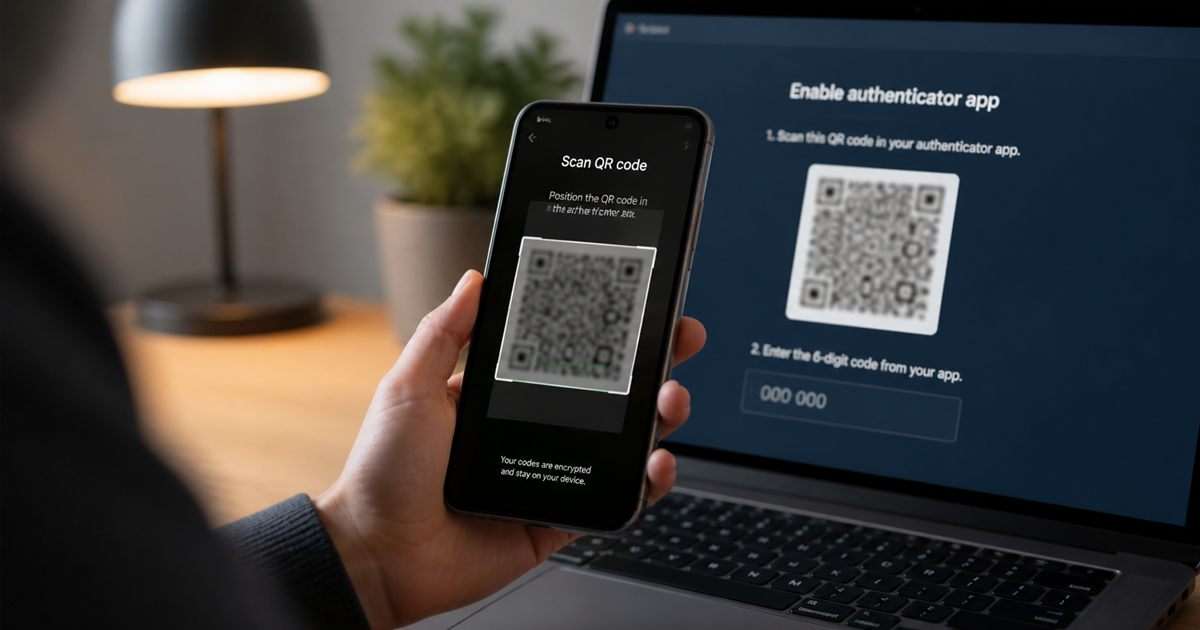
A TOTP setup QR code normally contains the secret needed to generate all future codes. Anyone who scans or copies it can clone the authenticator without taking your phone. Display it only during trusted enrollment, do not screenshot or share it, and reset TOTP if exposure is possible.
Authentication strength depends on the whole recovery path
The QR often encodes an otpauth URI with a secret, issuer, account label, algorithm, digits, and period. The colorful square is therefore not merely a convenient link; it is a long-lived authentication credential.
A six-digit code expires quickly, but the setup secret remains useful until the account replaces it. Security training should distinguish these two types of data.
Choose and operate the factor deliberately
Enroll on a private screen, scan from a trusted authenticator, confirm one code, then close the setup view. Save recovery codes separately and remove temporary clipboard or image artifacts.
For device migration, prefer the authenticator’s protected export or account-supported re-enrollment. Review whether cloud sync is end-to-end encrypted and how its recovery is secured.
Set up and verify the authentication flow
1. Open enrollment only from the official account security page.
Complete this part before you verify the account and issuer labels. For TOTP QR code security, changing several variables together makes the result harder to interpret and repeat.
2. Verify the account and issuer labels.
Complete this part before you scan once on the intended trusted authenticator. For TOTP QR code security, changing several variables together makes the result harder to interpret and repeat.
3. Scan once on the intended trusted authenticator.
Complete this part before you confirm a fresh code and save recovery options. For TOTP QR code security, changing several variables together makes the result harder to interpret and repeat.
4. Confirm a fresh code and save recovery options.
Complete this part before you reset enrollment if the qr appeared in any untrusted capture. For TOTP QR code security, changing several variables together makes the result harder to interpret and repeat.
5. Reset enrollment if the QR appeared in any untrusted capture.
Complete this part before you open enrollment only from the official account security page. For TOTP QR code security, changing several variables together makes the result harder to interpret and repeat.
Test enrollment, time and recovery
Look for screen recording, conferencing, remote support, browser extensions, shared displays, and automatic photo backup during enrollment. Each can preserve the secret unintentionally.
After reset, verify old authenticator entries no longer work and revoke suspicious sessions. Deleting a screenshot alone cannot prove nobody copied it.
Authentication habits that weaken the factor
Avoid: Sending the QR to support
A better response is to open enrollment only from the official account security page, then look for screen recording, conferencing, remote support, browser extensions, shared displays, and automatic photo backup during enrollment. That keeps the TOTP QR code security decision tied to an observable result instead of an assumption.
Avoid: Keeping it in a photo gallery
A better response is to verify the account and issuer labels, then after reset, verify old authenticator entries no longer work and revoke suspicious sessions. That keeps the TOTP QR code security decision tied to an observable result instead of an assumption.
Avoid: Displaying one QR to an entire team
A better response is to scan once on the intended trusted authenticator, then look for screen recording, conferencing, remote support, browser extensions, shared displays, and automatic photo backup during enrollment. That keeps the TOTP QR code security decision tied to an observable result instead of an assumption.
Avoid: Assuming an expired code makes the QR harmless
A better response is to confirm a fresh code and save recovery options, then after reset, verify old authenticator entries no longer work and revoke suspicious sessions. That keeps the TOTP QR code security decision tied to an observable result instead of an assumption.
Secrets, devices and account recovery
Do not test real secrets on random online generators. A browser-local tool avoids intentional transmission, but compromised devices or extensions can still read the input.
For shared organizational access, use managed identity, separate user enrollment, security keys, or a controlled enterprise secret system rather than one widely copied QR.
Using TempMail Cloud’s browser-local 2FA tool
TempMail Cloud’s TOTP utility accepts a secret in the browser for local calculation and does not need a user account. It should be used only on a trusted device and cleared after the task.
The tool deliberately does not store recovery copies. Long-term TOTP management belongs in a reputable authenticator or protected password manager.
Frequently Asked Questions
What is TOTP QR code security?
A TOTP setup QR usually contains the reusable secret, so screenshots, recordings and shared enrollment screens can clone the authenticator.
Does a TOTP authenticator need internet access?
Generating a standard TOTP code does not require internet access after setup because the code is calculated from the saved secret and current time.
Why is my authenticator code not working?
Confirm the device time is set automatically, use the newest code and verify that the correct account secret was saved. Do not repeatedly submit an old code.
What happens if I lose access to my authenticator?
Use recovery codes or the service’s documented account-recovery process. Store recovery codes separately before a device is lost.
Continue with the totp and two-factor authentication guides
- For the broader workflow, read What a TOTP code is when working through TOTP QR code security.
- For a closely related decision, see Use the browser-local 2FA generator when working through TOTP QR code security.
- Keep this companion guide nearby: TOTP compared with email OTP when working through TOTP QR code security.
For TOTP QR code security, remember that TempMail Cloud is receive-only. Check the safety guidance before using an address for an important account, and see the editorial standards for how this guide is maintained.
Primary references used for this guide
- IETF TOTP standard RFC 6238 — consulted for the TOTP QR code security recommendations above.
- NIST authenticator guidance — consulted for the TOTP QR code security recommendations above.