Written and reviewed by the team operating TempMail Cloud. Product claims are checked against our live service and our editorial standards.
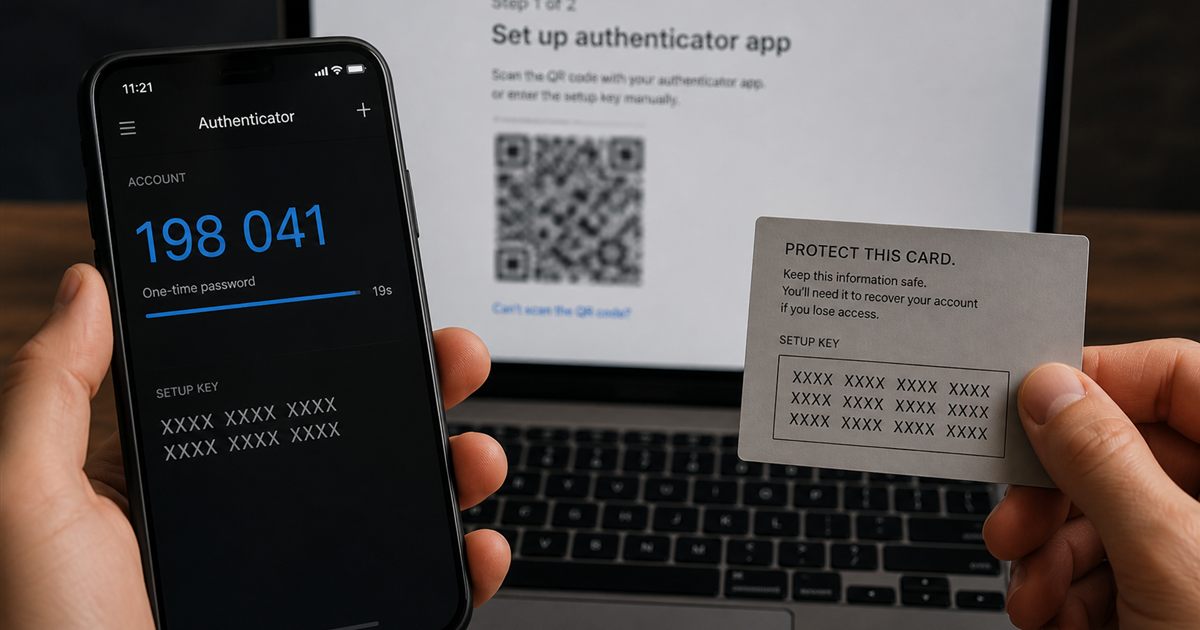
A TOTP secret key is the shared seed used by an authenticator and the account provider to calculate rotating codes. It is not your ordinary account password or the six-digit value you type at login. Someone with the seed may generate future codes until the provider replaces that enrollment.
What changes, and what stays the same?
| Value | Changes automatically? | Where it belongs |
|---|---|---|
| Account password | Usually only when changed | A protected password manager or another appropriate credential system |
| TOTP setup key | Usually remains the same for that enrollment | The configured authenticator and any deliberately protected backup |
| Current TOTP code | Changes with the configured time step | The legitimate verification screen for the current attempt |
| Recovery code | Follows the provider's own lifecycle | A protected recovery location, separate from public notes |
The generator and verifier must agree on the secret and configuration. RFC 6238 describes a default 30-second step and supports more than one hash algorithm; a page displaying six changing digits alone does not prove compatibility. TOTP specification.
A label is not a cryptographic identity
Imagine that two test entries are both labeled "Staging." Renaming one to "Staging admin" helps you choose the right entry, but does not change its secret or the account that will accept its code. If a code fails, check the actual account and enrollment rather than repeatedly changing labels.
Use descriptive labels without storing secrets inside them. Never send the setup key to a website's support team merely because a current code was rejected.
Understand storage before making a backup
A password manager that holds a password and TOTP seed concentrates access in one system. Separate devices and protected backup designs have different tradeoffs. Assess who can open the vault, how recovery works and what happens if a device is stolen; physical separation is not the only fact that determines authentication strength.
In TempMail Cloud, calculation is local to the browser, while optional Save Key stores a guest key in browser storage or syncs a signed-in key to the account service. Sharing is separate. The tool is not a way to reconstruct a lost seed from your email address. Read generator safety before using it.
If the seed may have leaked
Use the account provider's official process to replace the authenticator. Keep a valid recovery path available, confirm the new enrollment and review other sessions or recovery methods according to that provider's instructions. Deleting a screenshot, saved entry or chat message cannot revoke an already copied secret.
For a lost phone without evidence of exposure, start with a previously configured recovery method instead of guessing a replacement seed. Our TOTP troubleshooting guide separates clock errors, wrong entries and lost access. The QR security guide covers setup images.