Written and reviewed by the team operating TempMail Cloud. Product claims are checked against our live service and our editorial standards.
A public disposable inbox is fastest when the address itself acts as the access key. Reusable temp mail adds a password, account ownership, saved history, and controlled sharing, which is more suitable when you may return later. Neither model should hold sensitive or irreplaceable information.
Start with the access model
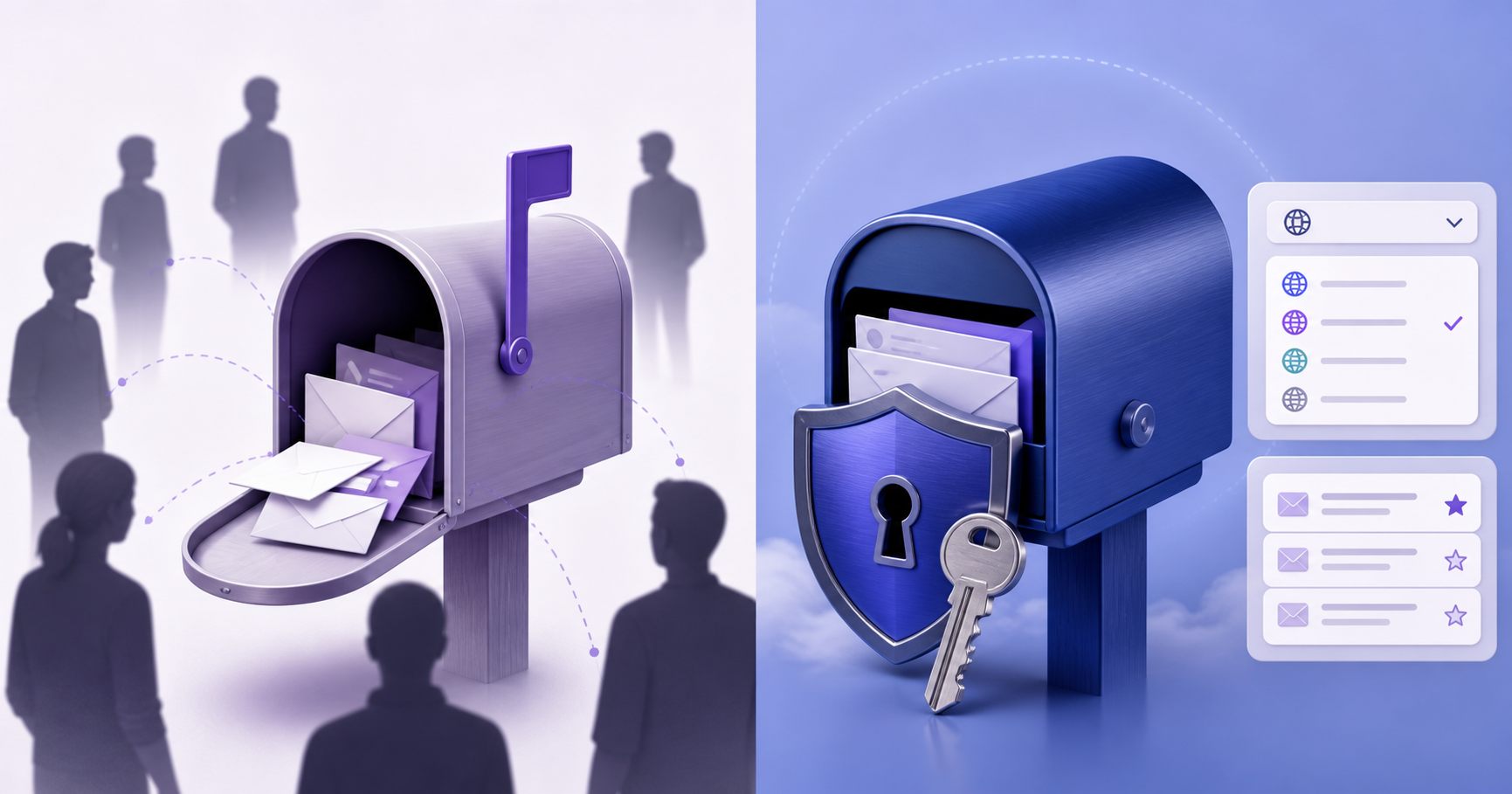
Some disposable-email services emphasize instant access: select or type an address and open its inbox without creating an account. That removes friction, but another person who knows or guesses the address may also be able to view its messages, depending on the provider’s current design. Users should check current official documentation because access, aliases, retention, and domain policies change over time; an old comparison table is not a security guarantee.
TempMail Cloud uses mailbox credentials. A random or custom address receives a password, and a registered account can own several mailboxes. A valid saved session can switch among owned inboxes without repeatedly entering each password, while a new browser must authenticate. This model takes another step, but it gives access a boundary beyond simply knowing an address. Passwords must still be unique, saved safely, and kept out of screenshots or messages.
Retention and returning later
Short-retention services are convenient when a message becomes useless immediately after verification. Less persistence can reduce stored history, but it also creates a predictable failure: a delayed confirmation, later notice, or password-reset email may arrive after the inbox is unavailable. Public disposable domains may also be rejected by senders that maintain domain lists, and no provider can force a third party to accept an address.
A reusable inbox solves the return problem by applying no automatic mailbox expiry. Messages stay available until deletion, subject to operational, security, and legal limits. That is not an unconditional lifetime guarantee, and it increases the need for passwords, spam filtering, storage monitoring, backups, and controlled deletion. The permanent temporary email guide explains why no scheduled expiry is more accurate than promising permanence forever.
Domains, names, organization, and sharing
A useful comparison asks whether the user can choose a local name, switch receiving domains, group owned mailboxes, search by address, organize work, and share access deliberately. These controls matter more to recurring QA, newsletter separation, or a multi-step onboarding test than the speed of opening the first anonymous inbox. They also make the product more complex, so clear account and mailbox boundaries are essential.
TempMail Cloud supports administrator-managed receiving domains, custom local names, bulk creation, folders, mailbox search, and revocable share links. Domain availability and sender acceptance can still change. A large domain list does not guarantee delivery, and a custom-looking address is not the same as a sending business mailbox. A share link should be treated like a credential: restrict it when possible, deactivate it after use, and never share sensitive messages.
Which option fits verification messages?
Use a public or short-lived inbox only when the message is low risk, one time, and disposable by design. Never expose an OTP for a valuable account in an inbox that other people may be able to open. Reusable password-protected mail is better for authorized repeat testing, multi-day onboarding, delayed delivery, or a low-risk account that sends later notices, but it is still not the right recovery address for high-value services.
An inbox provider cannot promise instant delivery or universal acceptance. Test with a harmless account you control and follow the sender’s terms. When a message is missing, verify the complete address, wait for retry queues, refresh and search the inbox, and determine whether the sender actually accepted the request. The email OTP troubleshooting guide separates sender delays from receiving and access problems.
How to choose without relying on a brand name
Check each provider’s present access rules, retention statement, privacy notice, deletion controls, HTML safety, support route, and receive-only limitations. Prefer precise language over claims such as completely anonymous, universally accepted, or permanent forever. Those promises ignore third-party policies, operational failures, credentials, browser storage, abuse controls, and the simple fact that email crosses several independent systems before it appears.
The safest choice follows the value of the account. A disposable public inbox can fit one harmless message. A credentialed reusable inbox can fit repeat low-risk receiving. A full permanent mailbox remains appropriate whenever identity, recovery, outbound communication, regulated data, or long-term records matter. For a broader workflow comparison, review multiple email addresses in one account and phishing safety.
Frequently Asked Questions
What is YOPmail vs reusable temp mail?
The important comparison is access: publicly accessible disposable inboxes and credential-protected reusable mailboxes fit different risk levels.
Can I return to an inbox used for YOPmail vs reusable temp mail?
Yes, if the mailbox remains active and you saved the correct address and password. Account-owned mailboxes are easier to organise and revisit than an unsaved guest session.
Is YOPmail vs reusable temp mail safe for important accounts?
Use it only where receive-only access is suitable. Keep banking, identity, healthcare, payroll and irreplaceable account recovery on a permanent mailbox you fully control.
Does a reusable temporary email address expire automatically?
TempMail Cloud does not apply a short countdown to active mailboxes, but service availability still depends on the mailbox, receiving domain, credentials and acceptable use.
Related TempMail Cloud guides
You can also create a receive-only inbox, review our safety guidance, or use the browser-local 2FA code generator.